How to Choose a Booking System for Your Attraction Park in 2026
Why Your Booking System Choice Matters More Than Ever
In 2026, your booking system isn't just a tool for taking reservations. It's the backbone of your guest experience, your revenue engine, and your operational efficiency. The right system can transform a chaotic front desk into a smooth operation. The wrong one creates bottlenecks that frustrate guests and burn out staff.
With dozens of options on the market — from generic appointment schedulers to purpose-built attraction software — how do you actually evaluate them? Here's a practical framework based on what we've seen working (and failing) across hundreds of parks.
1. Ease of Use: The 60-Second Test
For guests: Can a first-time visitor complete a booking in under 60 seconds on their phone? Time yourself. If the booking flow takes more than 3 taps or requires creating an account before seeing available times, you'll lose conversions.
For staff: Can a new employee learn the check-in process in under 10 minutes? If your system requires a training manual, it's too complex. On a busy Saturday, you need seasonal staff to be productive immediately.
What to test:
- Book a session on your phone (not desktop — 80% of guests book mobile)
- Try the walk-in flow at the front desk
- Simulate a birthday party booking with 12 guests
2. Industry-Specific Features
Generic booking tools (Calendly, Acuity, Square Appointments) work fine for hair salons. They fall apart for attraction parks because they don't understand:
- Capacity management — You're not booking a room. You're managing time slots with capacity limits, multiple activity zones, and overlapping sessions.
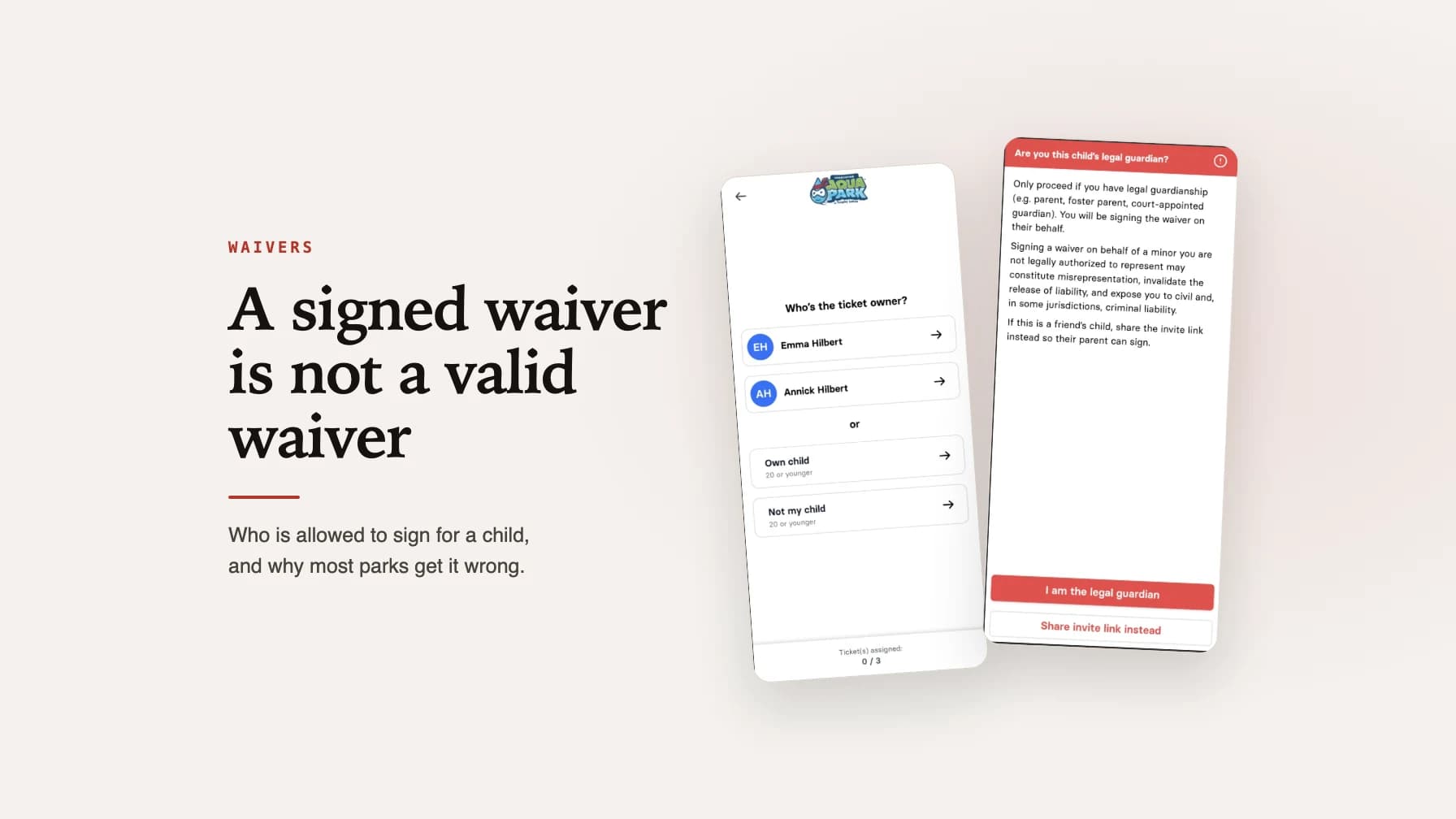
- Digital waivers — Every guest needs a signed waiver, ideally before they arrive. The booking system should handle this natively, not through a third-party integration.
- Group bookings — Birthday parties and corporate events require invite links, split payments, and the ability for each guest to sign their own waiver.
- Walk-in handling — Not everyone books online. Your system needs a fast walk-in flow that doesn't create a separate silo of data.
3. Pricing: Total Cost of Ownership
Don't just compare monthly fees. Calculate the total cost:
- Per-booking fees — Some systems charge 2-5% per transaction on top of payment processing. At 10,000 bookings per year, a 3% fee on a $25 average ticket is $7,500 annually — on top of your subscription.
- Payment processing — Does the system force a specific payment processor, or can you use your existing Stripe/Adyen account? Locked-in processors often have higher rates.
- Add-on costs — Waivers, marketing tools, POS, and capacity management are often separate products with separate fees.
- Hardware — Do you need proprietary tablets or kiosks, or does it work on standard hardware?
4. Integration Capabilities
Your booking system needs to work with your existing tools:
- Payment processing — Stripe, Adyen, or your local processor. Look for native integrations, not just PayPal.
- Website — Can you embed the booking widget on your existing site, or are guests redirected to a third-party domain?
- Google Analytics & Meta Pixel — Can you track the full booking funnel for ad optimization?
- Accounting software — Automated revenue reporting saves hours of manual reconciliation.
- POS system — Walk-in sales, merchandise, and food should connect to the same guest database.
5. Support and Reliability
When your booking system goes down on a Saturday morning, you need help immediately — not a chatbot that suggests reading the knowledge base.
Questions to ask:
- What's the average response time for support tickets?
- Is there live support during weekend hours?
- What was the uptime over the last 12 months?
- Does the founder or product team actually talk to customers?
Some of the best systems in this space are built by people who actually run parks. That means they understand what "the system is down on a Saturday at 10am" actually feels like.
6. Mobile Experience
This is non-negotiable in 2026. Your booking system must be mobile-first, not mobile-friendly (there's a difference).
Mobile-first means the entire experience — from browsing available times to completing payment — was designed for a phone screen first. Mobile-friendly means it was designed for desktop and then squeezed onto a smaller screen.
Test these specific scenarios on your phone:
- Apple Pay / Google Pay checkout (guests expect this)
- Waiver signing on a phone screen
- Group booking and sharing invite links via WhatsApp/iMessage
7. Data Ownership and Migration
Before you commit, ask: "What happens if we want to leave?"
- Can you export all guest data (emails, booking history, waiver records)?
- Who owns the data — you or the platform?
- Is there an API for custom integrations?
- What's the notice period for cancellation?
Making the Decision
Here's our recommended evaluation process:
- Shortlist 3 systems that are built for your specific industry
- Do a real booking on each one using your phone
- Ask about total cost including all per-booking fees
- Request references from parks similar in size and type to yours
- Run a 2-week trial with real bookings before committing
Your booking system is the first impression guests have of your park. Make sure it's a good one.

Chris Hilbert
Founder, wakesys
Park operator and software founder. Running Charleston Aqua Park and building wakesys to help activity centers succeed.