For ice rinks & arenas
Management software for
ice rinks & arenas
Stupid simple booking software for ice rinks and arenas. Each sheet has its own calendar, from public skate to a team's weekly ice time; skate sizes captured at booking, waivers signed before arrival, walk-ins, rentals and the snack bar on one iPad. No legacy rink system, no maintenance contract.
Ice time booking
Guests book their session in 60 seconds
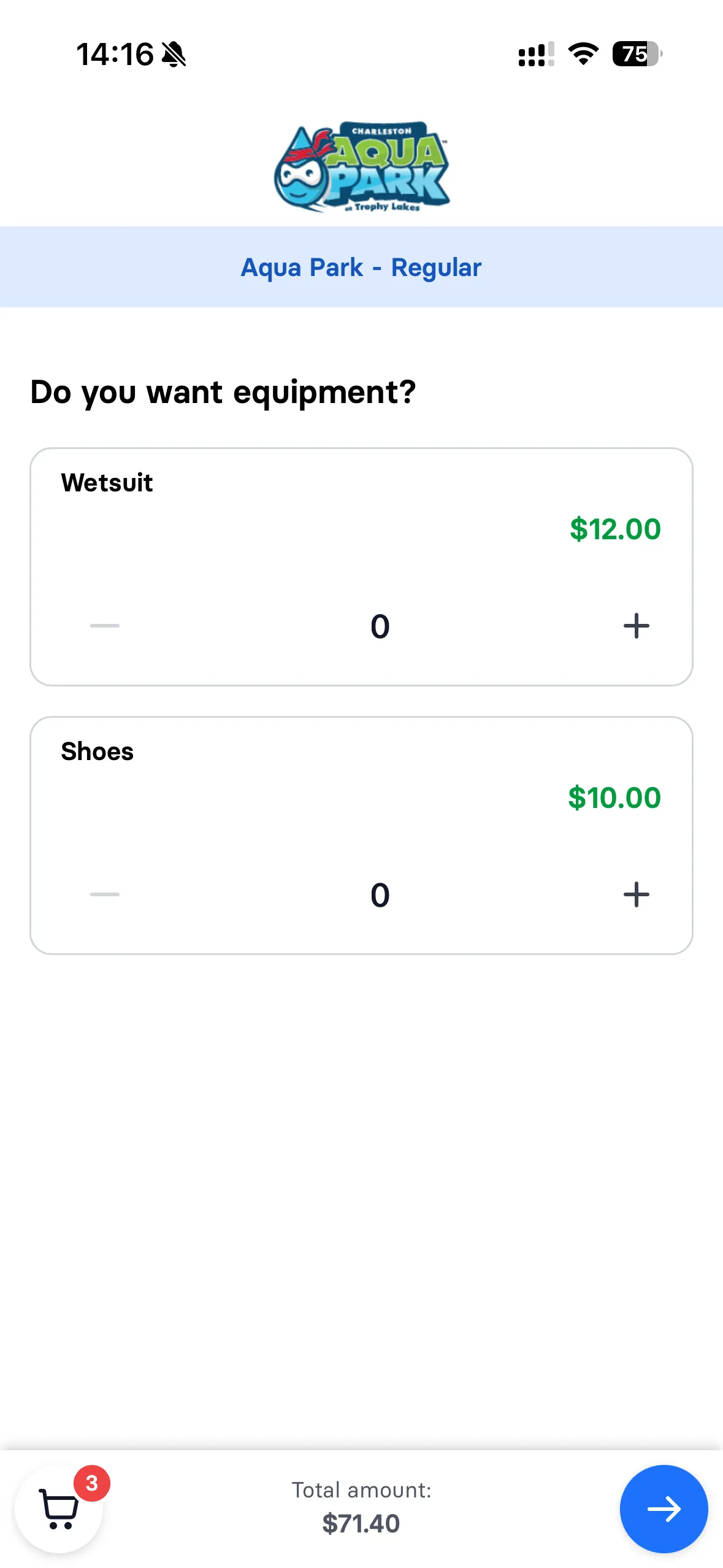
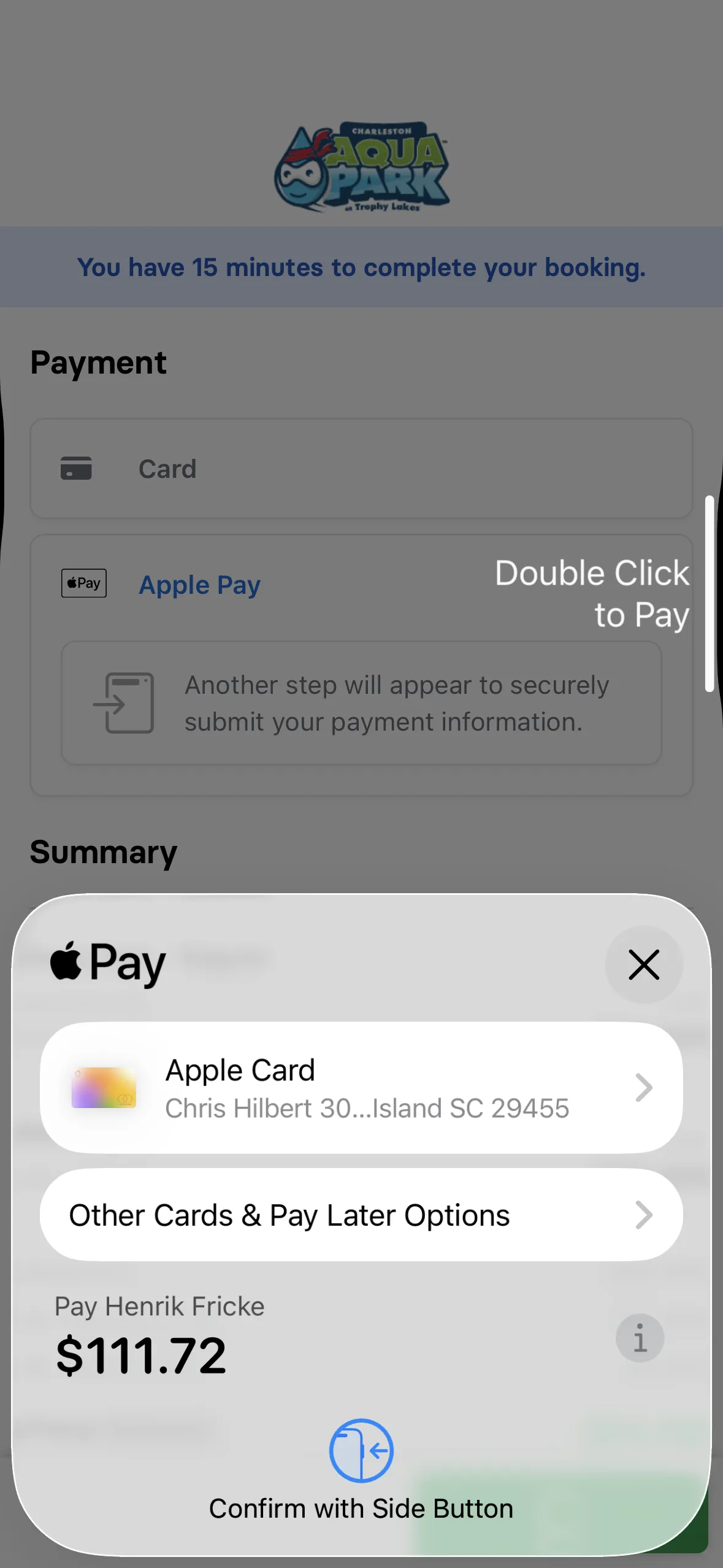
Parents pick public skate, hockey, or figure skating, see available sessions with real-time capacity, choose a time slot, add skate rentals, and pay with Apple Pay. Done before the Zamboni finishes resurfacing. No phone calls, no waiting for your front desk to pick up.
Learn more about booking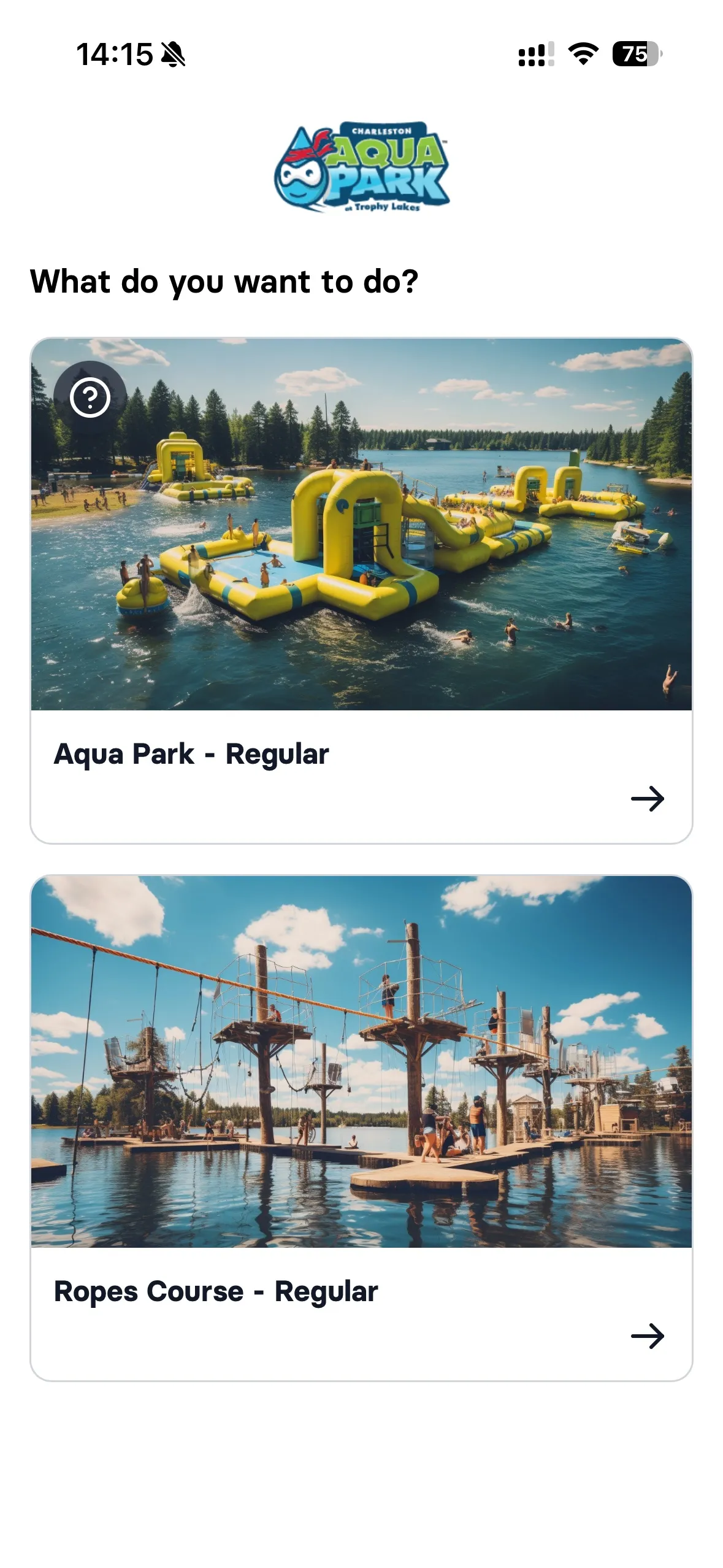


Pre-arrival waivers
No more clipboards in the cold lobby
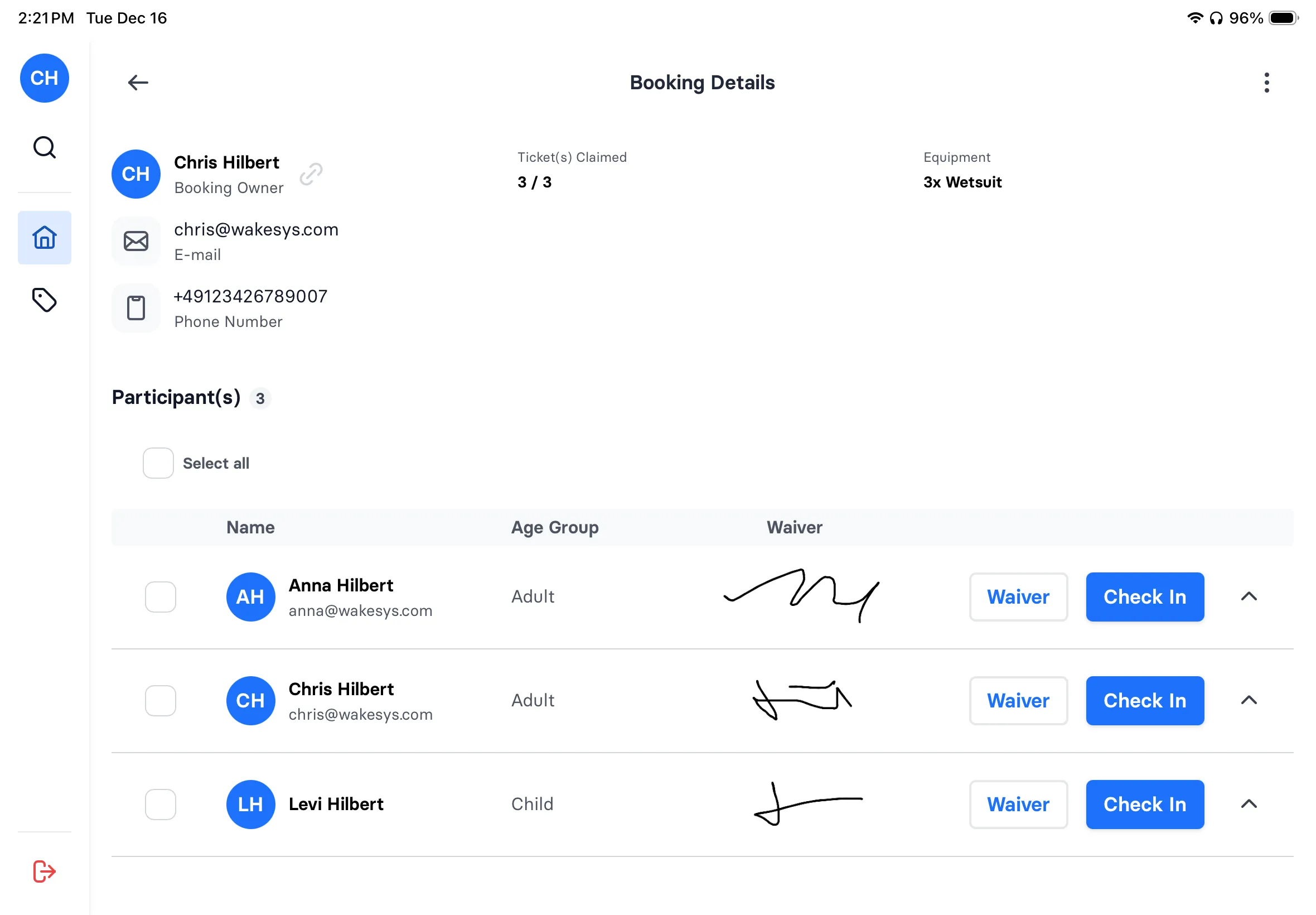
Every skater signs their liability waiver at home, on their phone, before they arrive. Parents sign for kids during booking. When they walk in, your staff sees green on the manifest: waiver done, ready to skate. No lines, no paper, no hunting for pens that work in the cold.
Learn more about waivers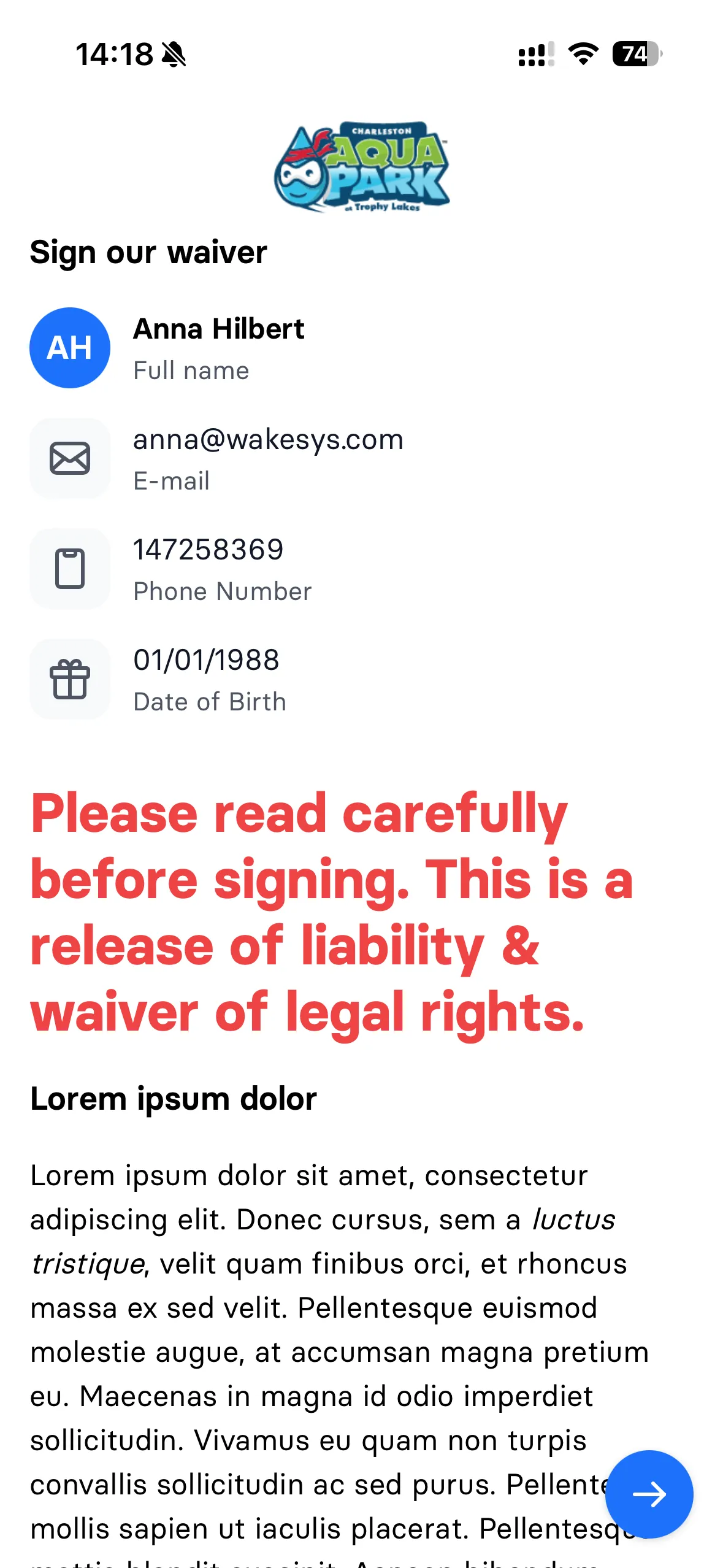

Rink front desk
Check-in, rentals, and sales on one iPad
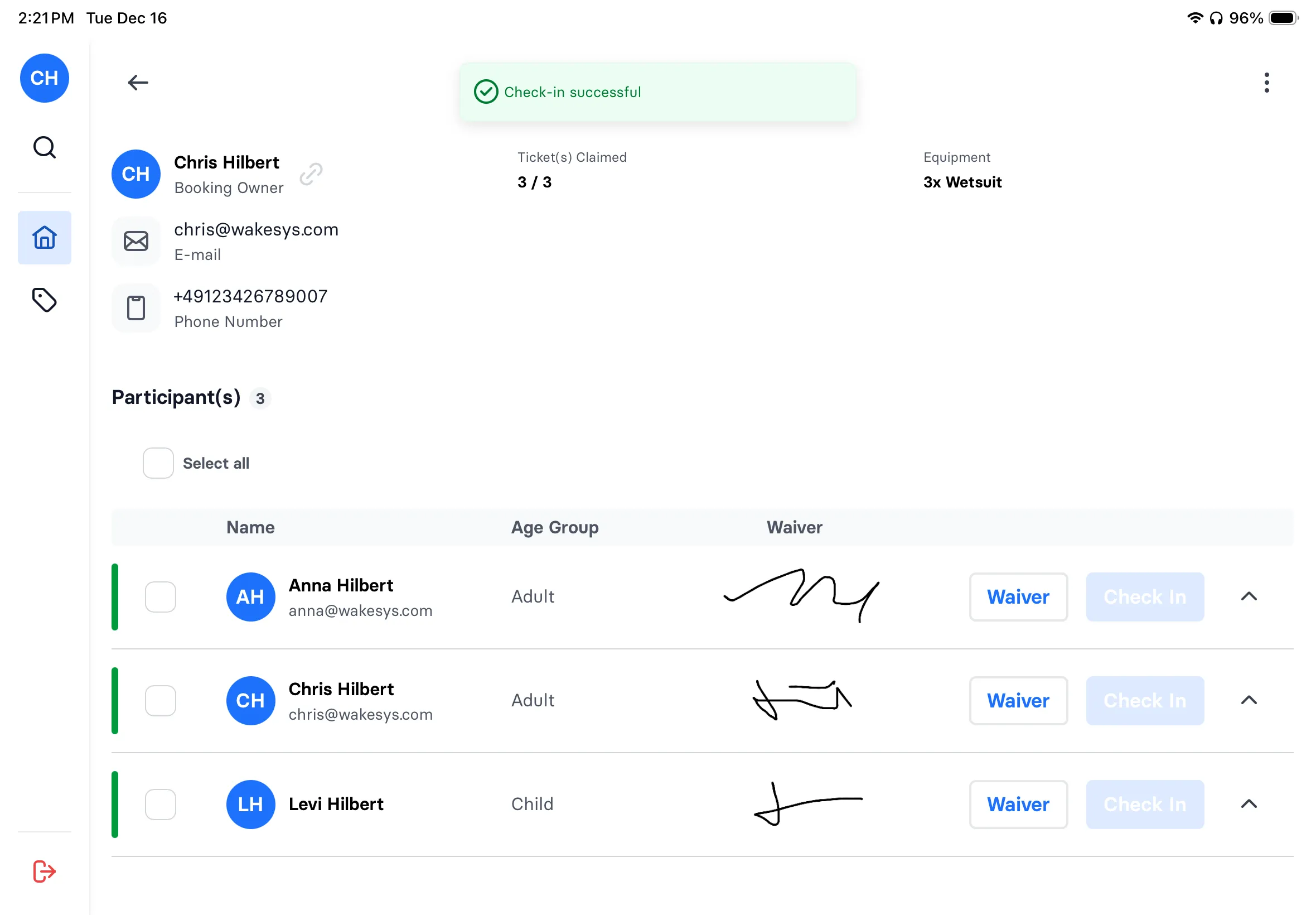
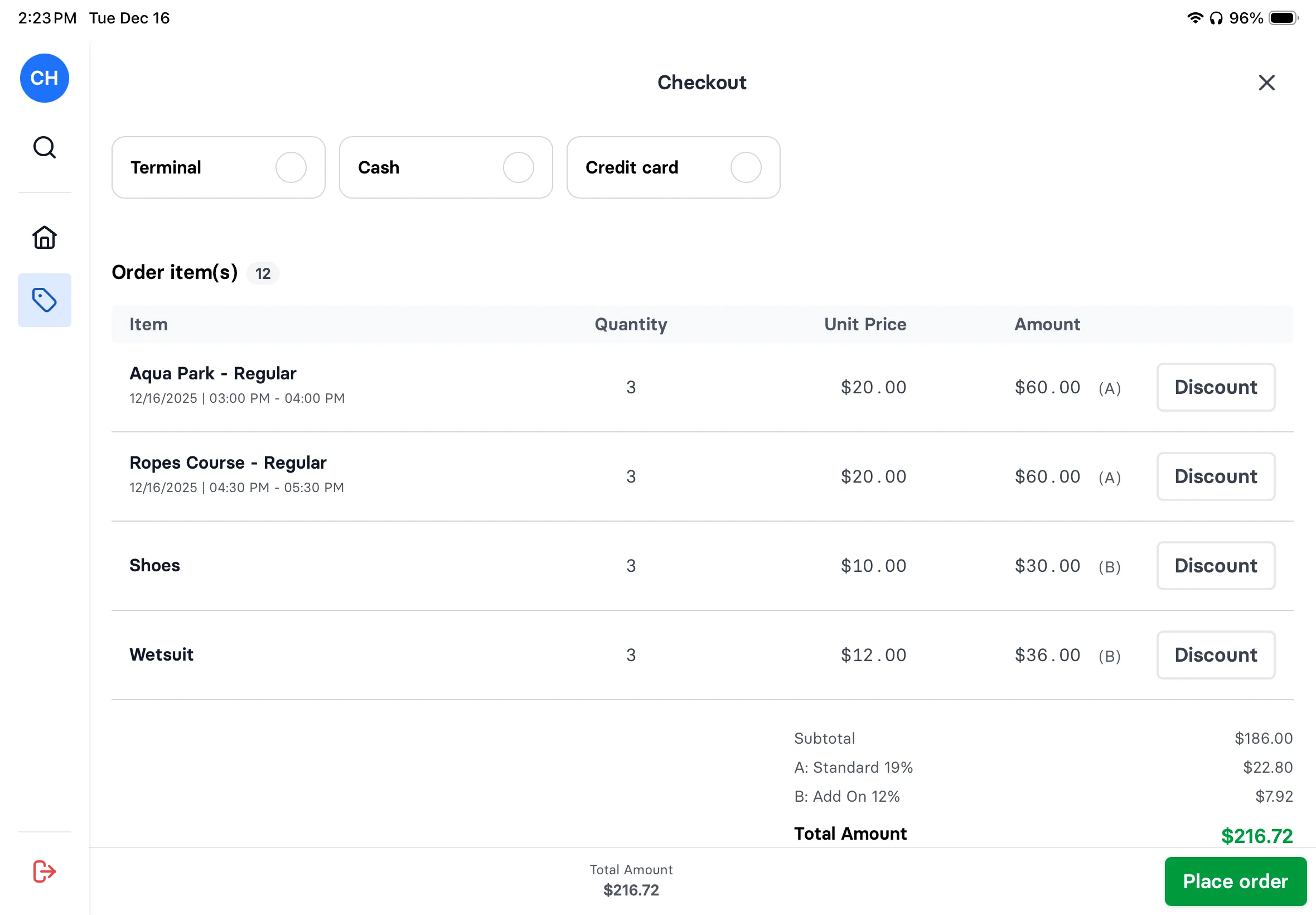
Your daily manifest shows every booking with waiver status. Tap to check in a family. Add skate rentals by size. Process walk-in sales, snack bar purchases, or pro shop items. Refund a cancelled session. One iPad replaces your old POS, rental clipboard, and check-in binder.
Learn more about check-in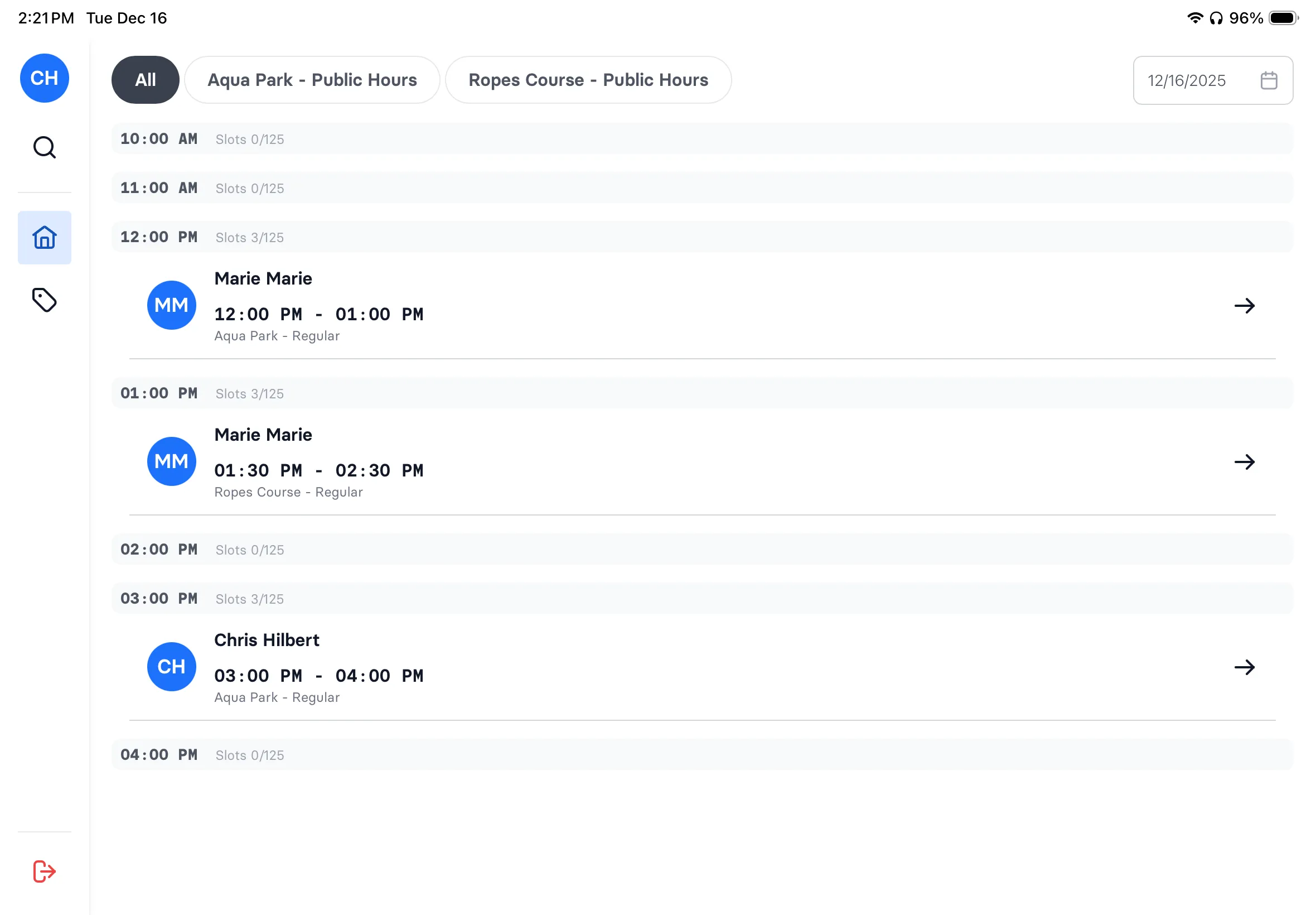
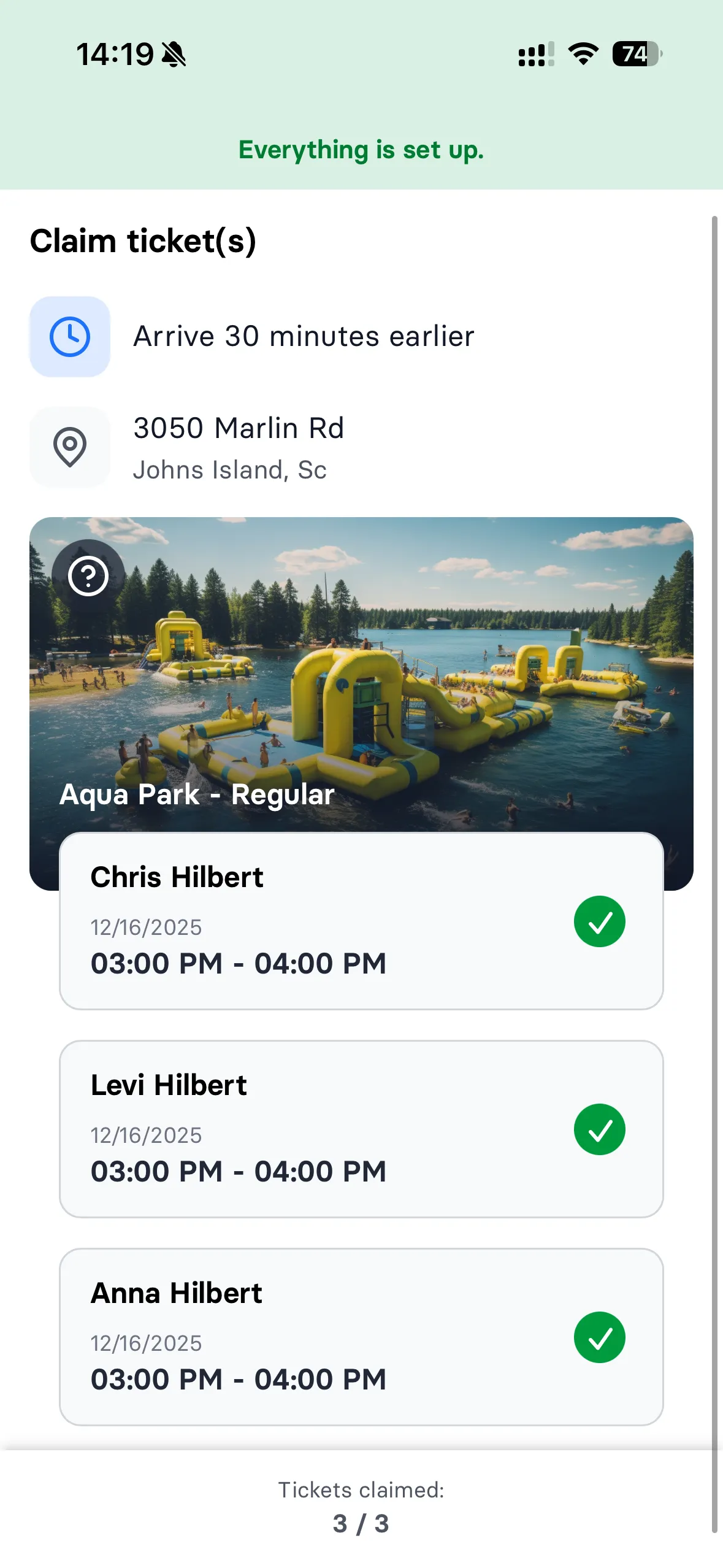
Group & party booking
Skating parties without the check-in chaos
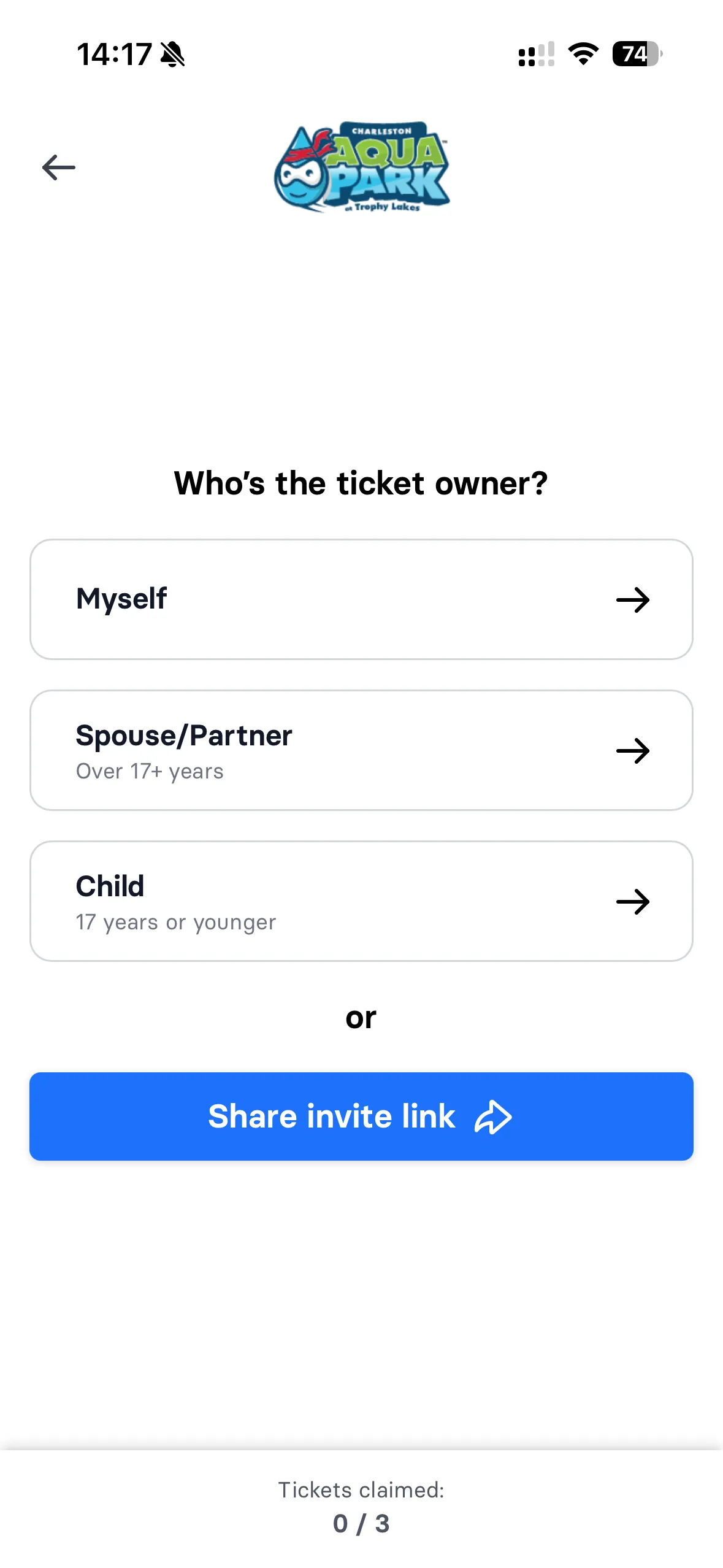
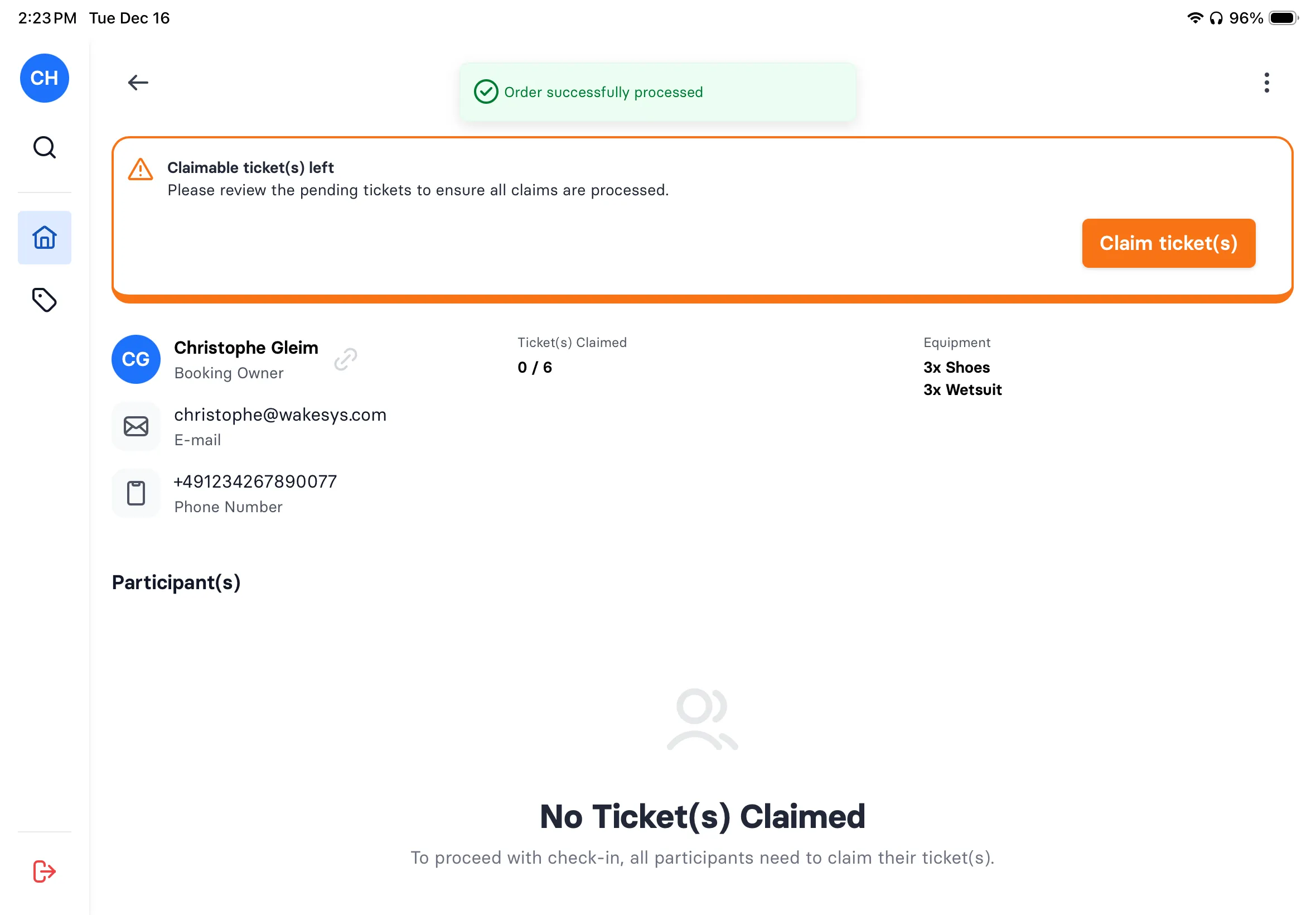
The birthday host books a party slot and gets a shareable link. Each parent opens the link, claims their kids' tickets, selects skate sizes, and signs waivers, all from home. You see a real-time dashboard: 12 of 15 kids confirmed, 3 waivers pending. On party day, everyone walks straight to the ice.
Learn more about groups

Walk-in sales
Handle the Saturday afternoon rush
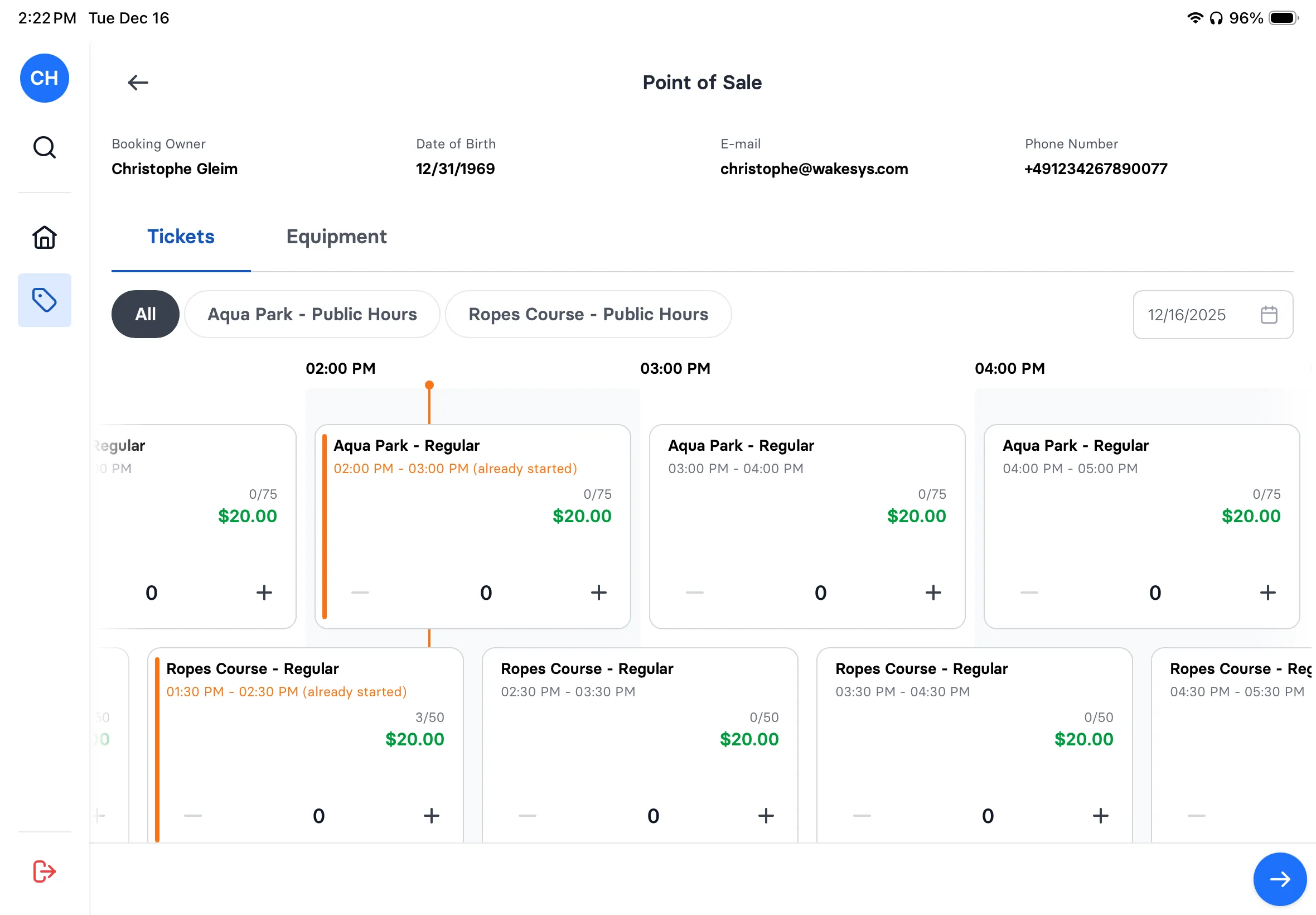
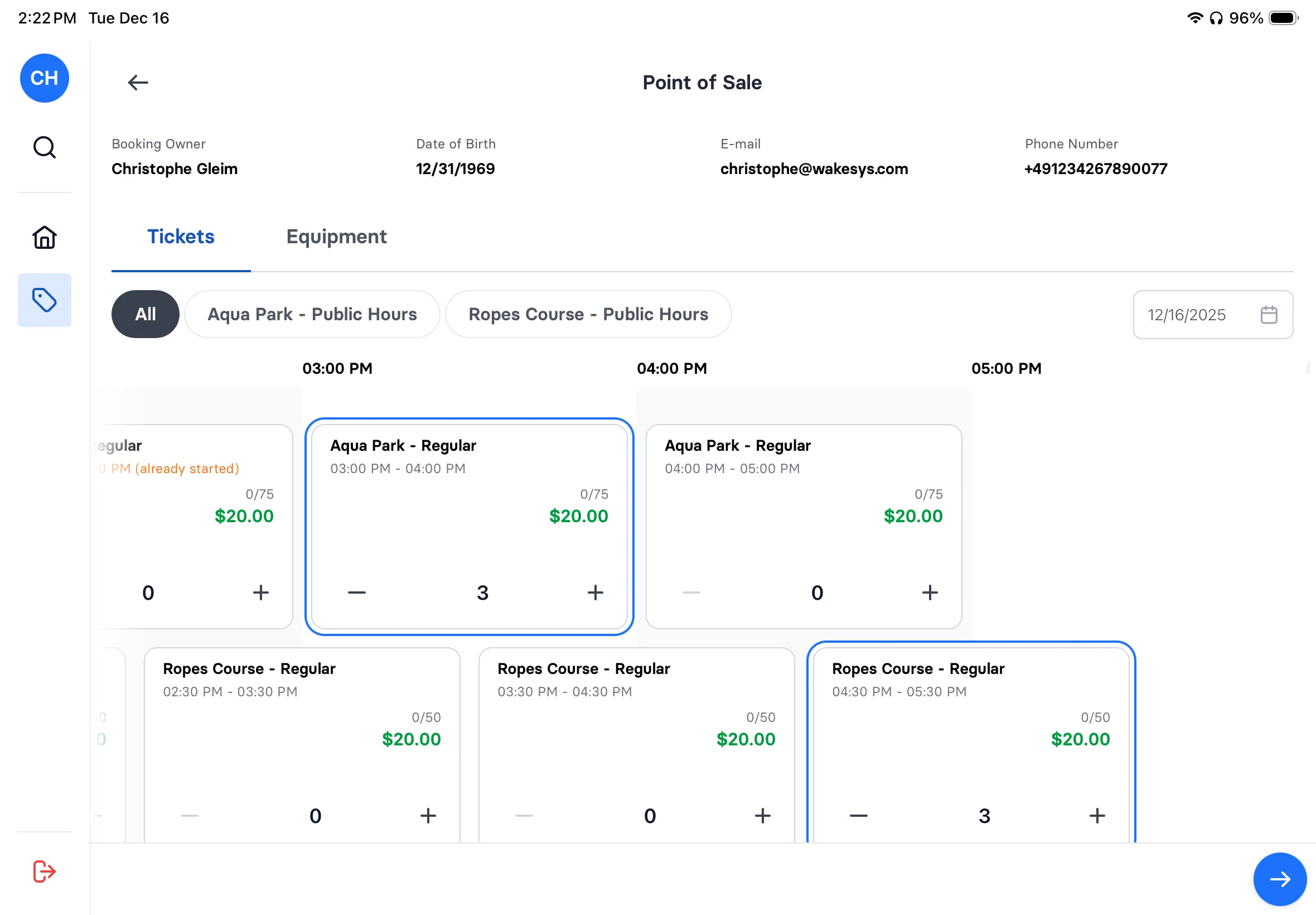
Family of four walks in without a booking? Tap public skate, select 4 tickets, add 2 child skate rentals (size 3 and size 5), waiver signed on the spot, pay with card. Done in 30 seconds. Same iPad, same interface your staff already uses for pre-booked check-in.
Learn more about POS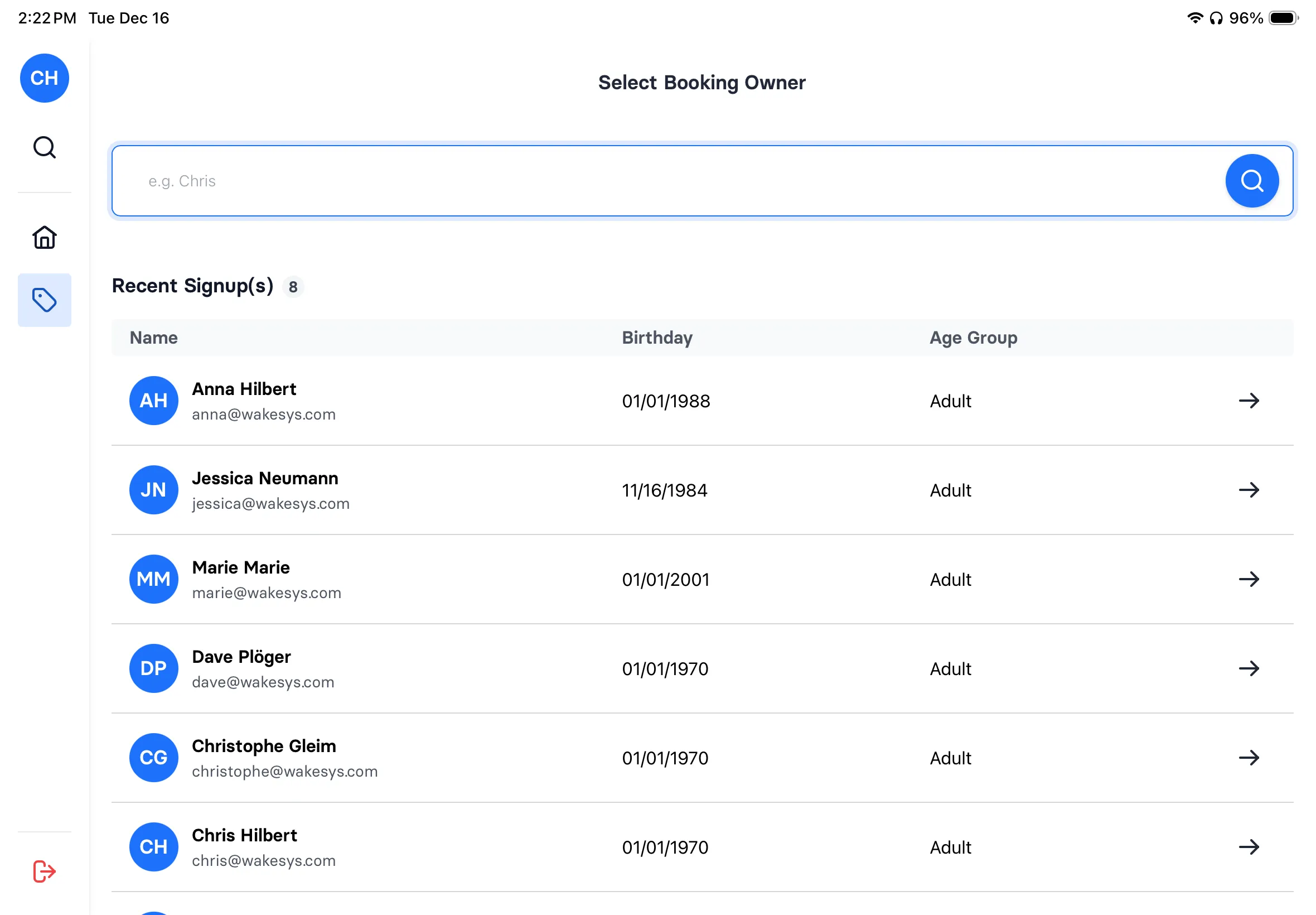
How an ice rink is modelled in wakesys
An arena in wakesys is a set of ice sheets. Each sheet carries its own calendar of sessions, and every booking, waiver and rental hangs off a session. These are the objects and fields the system holds:
- Sheet
- Name, its own schedule, capacity and the session types allowed on it.
- Session type
- Public skate, stick time, figure skating, hockey practice, learn-to-skate, private party. Each with a price, a capacity limit and booking rules.
- Session
- Sheet, date, start and end time, session type, capacity, price. Recurring for a team's weekly ice time, or one-off.
- Booking
- Guest or team, session, number of skaters, payment status, pre-selected skate sizes.
- Waiver
- One per skater, signed before arrival from the shared link, with guardian consent for minors. Checked at check-in.
- Rental
- Skate size per skater. Walk-in rentals are added at the iPad POS, and all rental activity sits in one view.
- POS sale
- Walk-in tickets, rentals, pro shop items and snack bar purchases, paid through Stripe Terminal.
A league's seasonal ice time is held as a recurring booking with its own price and rules, not as a separate contract module.
What to look for in ice rink software
Based on running activity venues and talking to rink operators, here's what actually matters:
- Ice time scheduling: Public skate, hockey, figure skating: each with their own pricing, capacity, and rules.
- Waiver integration: Waivers should be part of booking, not a clipboard at the counter. Skaters should arrive signed.
- Skate rental management: Guests pre-select size during booking. Staff prepare skates before arrival.
- Birthday parties: Group bookings with individual claiming. Parents handle their own kids' info and waivers.
- Mobile speed: Most bookings are on phones. If mobile booking is slow, you're losing public skate sessions.
- Transparent pricing: Understand the full cost upfront. Ask about setup fees, monthly minimums, and long-term contracts.
Frequently asked questions
From scheduling hockey leagues to managing skate rental inventory: everything you need to know.
Ice rink management software handles everything from ice time scheduling to skate rental tracking. It replaces spreadsheets and paper calendars with online booking, real-time capacity management, digital waivers, and a POS system, so your front desk isn't juggling phone calls, clipboards, and a separate POS at the same time.
The party host books online and gets a shareable link. They send it to all parents, who each claim their children's spots and sign waivers from their own phone. On party day, every kid is pre-registered with the right skate size. No scrambling at the rental counter.
Yes. Public skate, stick time, figure skating, hockey practice, private parties, and learn-to-skate classes each get their own pricing, capacity limits, and booking rules. The calendar shows what's available and automatically prevents double-booking across session types.
Yes. Skating carries inherent risks and most insurers require signed waivers. With wakesys, waivers are signed digitally before arrival, not on paper in your cold lobby. They're stored securely with timestamps and accessible whenever you need them for insurance or legal purposes.
Hockey teams and figure skating clubs can book recurring ice time (same slot every Tuesday) or one-off sessions. Each booking has its own pricing and rules. Team managers share a link with players, and each player signs their own waiver. No more chasing signatures at the rink.
See it working for your rink
30-minute demo. We'll set up your sessions, show waiver flow, and walk through check-in. No commitment.