Surf video
Surf video, built into wakesys. Scan. Surf. Share.
Guests scan their wakesys wristband at the wave, surf, and get the clip free on their phone. One less system for you to run.
Get the highlights.

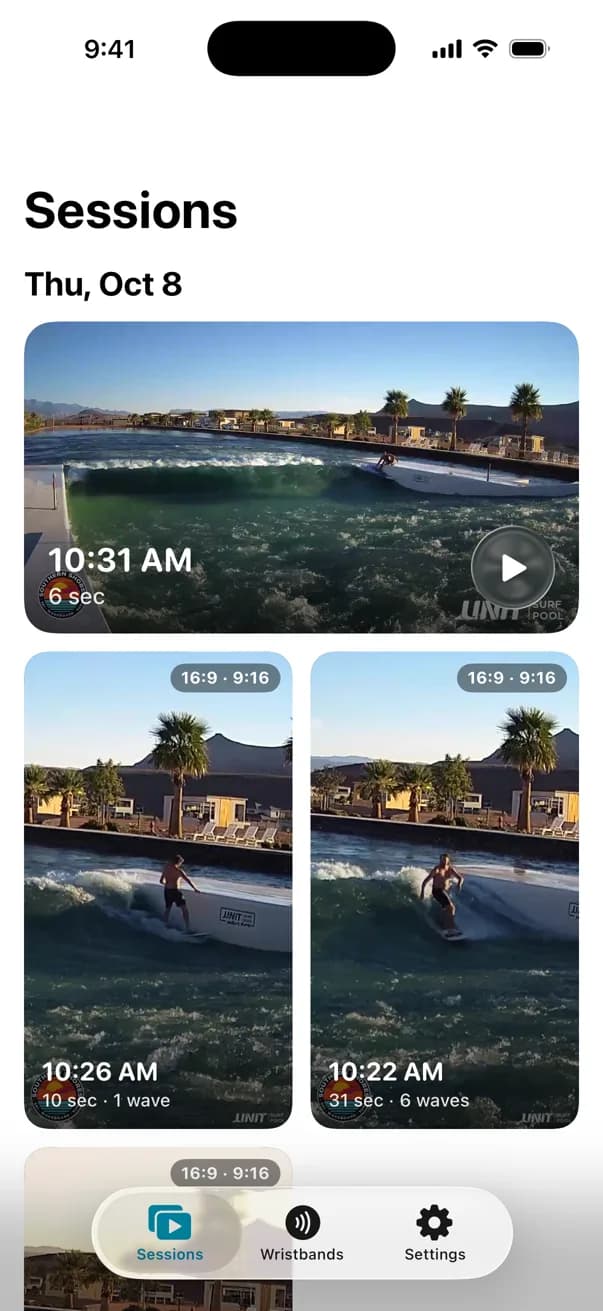

Your surf video is ready!
now
Your 6s session video has been uploaded.
From the wave to the phone.
01
Scan at the wave
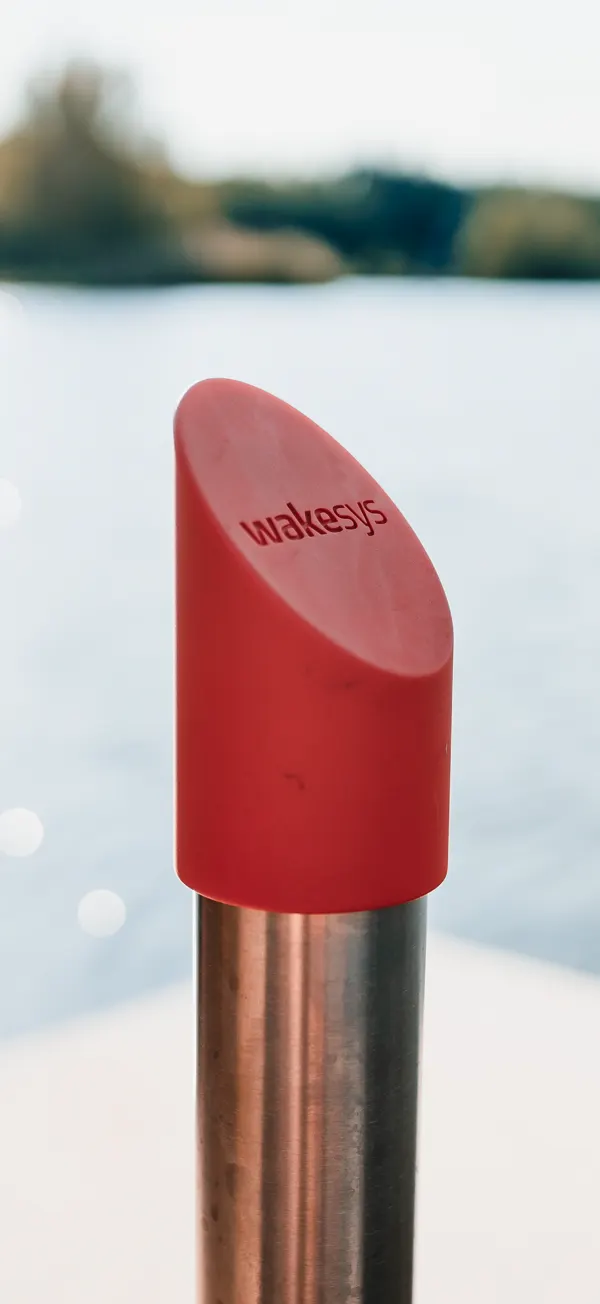
Before each ride the guest taps their wristband on the reader at the entry. The camera now knows whose ride is next.
02
Surf
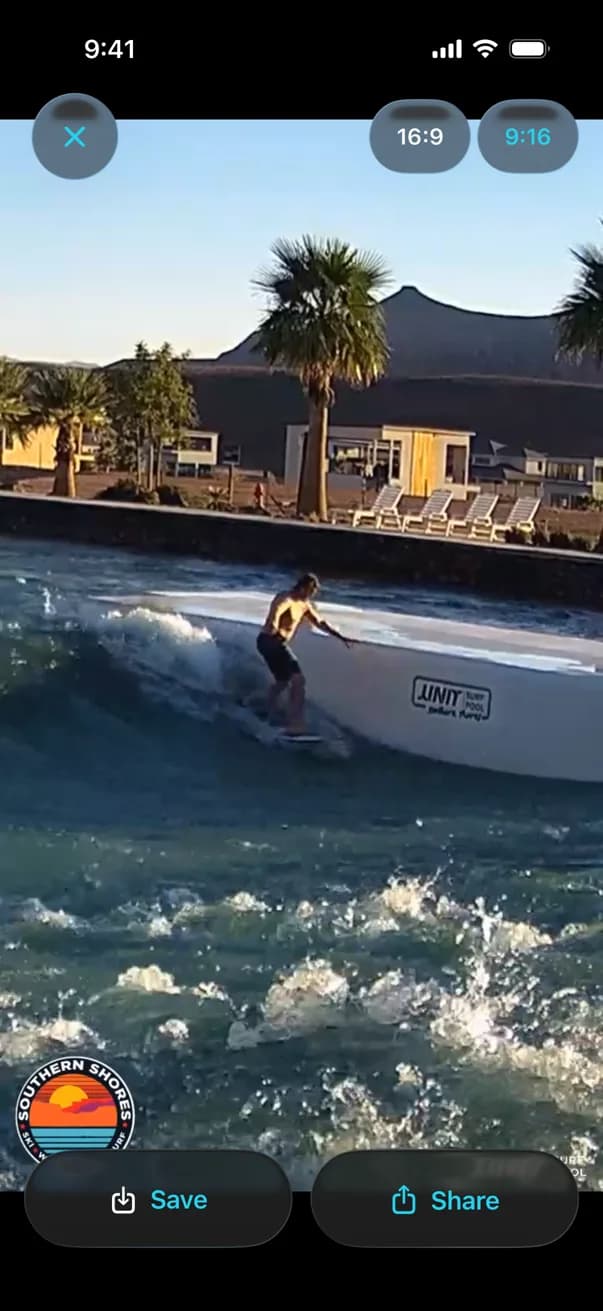
The camera picks the rider up as they drop in and follows them along the wave. When they leave it, the clip is cut, in landscape and in vertical.
03
It lands on the phone
The clip shows up in Sessions in the free Surf Videos app, marked new, and a notification tells the guest it's ready. No app? It opens in the browser on any phone.
Your surf video is ready!
now
Your 6s session video has been uploaded.
04
Save it. Share it.
One tap saves it to the phone's photos. One more shares it.
Two cuts. No editing.
A landscape clip of the whole wave and a vertical clip that follows the rider, made for Instagram and TikTok.
Your logo
A second logo of your choice
Privacy, built in.
Only guests who scan get a clip.
No scan before the ride, no clip. For adults and kids alike.
Clips go to the wristband.
Every clip is filed under the band that was scanned and goes to whoever adds that band in the app. There's no gallery of other people's rides.
Matched by wristband, not by face.
The system follows riders on the wave. It doesn't recognise faces and doesn't search footage for anyone.
Surf first. Sign up later.
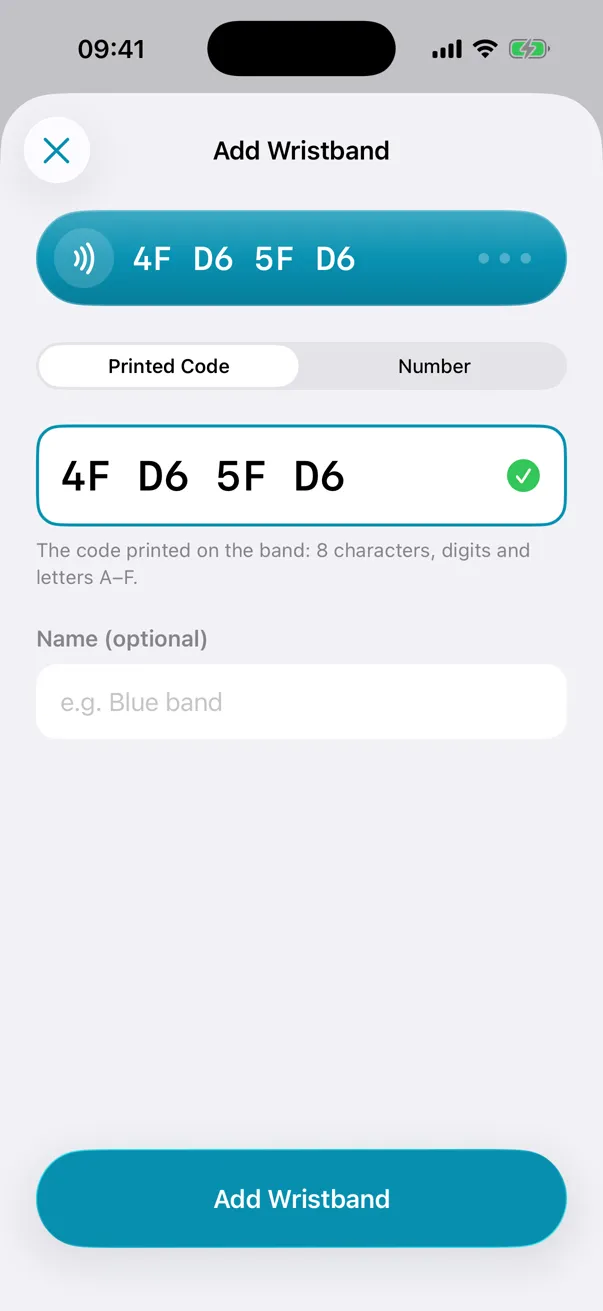
Guests can ride with a band they haven't registered. When they add it in the app, every clip from the last 90 days is there.
The EU data protection regulators' guidelines on video say a system that recognises people should be started by the person themselves, for example by pressing a button. wakesys doesn't recognise anyone, and a clip only starts with the guest's own scan.[1]
Built for your park.
Give the clips away.
No camera company takes a cut, so every clip can go to your guests free. A clip in a guest's story shows your park to all their followers, which is worth more than a commission on video sales.
One wristband.
The same wakesys wristband guests use at your park starts the camera.
Every kind of wave.
Standing waves, surf pools and full-size wave pools. Bigger pools get more cameras.
One less system.
Booking, wristbands, check-in and video all run on wakesys. No second vendor, no camera company taking a cut, nothing extra to log into.
Live at Southern Shores.
Southern Shores in Utah has run wakesys surf video since October 2026.[2]
Four things at the wave.
A camera
Over the wave.
A small computer
Next to it, cutting the clips on site.
A wristband reader
At each entry.
An internet line
For the uploads.
Questions to ask any surf video system
- Who gets a clip?
- Only guests who scan their wristband before the ride.
- Who can see a clip?
- The guest who adds that wristband in the app, and anyone they share a clip with. There's no session gallery.
- Do kids get clips nobody asked for?
- No. A clip needs a scan.
- Does it recognise faces?
- No. Clips are matched to the wristband.
- How long can guests watch their clips?
- 90 days.
- Does a camera company take a cut of video sales?
- No. Surf video is part of wakesys, so you can give the clips away.
- Do guests need an account with another company?
- No. Clips arrive in Surf Videos, made by wakesys.
- Does it run on the wristbands you already sell?
- Yes. It's the same wakesys wristband.
Frequently asked questions
A camera at the wave that films each ride and cuts it into a clip by itself, with no photographer. With wakesys, a guest scans their wristband before the ride and gets a landscape and a vertical clip of it in the Surf Videos app or the browser.
In the free Surf Videos app for iPhone, or in the browser on any phone. They add their wristband once; every clip made with it shows up there, and the app sends a notification when a new one is ready.
The Surf Videos app is free and has no in-app purchases. Because no camera company takes a share, you can give every clip away and let your guests' posts do the marketing.
Because a shared clip is advertising you don't pay for. Every clip a guest posts shows your wave, your logo and your park to their followers. That reach is worth more than a commission on video sales, and it's one less system to run.
The camera watches the whole wave to find riders, but only guests who scan their wristband at the wave entry get a clip. The landscape clip shows the whole wave, so other surfers can be in the picture, but nobody gets a clip of a ride they didn't scan for.
Yes. Clips are stored under the wristband, so guests can surf first and add the band in the app later. Every clip from the last 90 days is there when they do.
90 days after the ride. They can watch and download their clips any time in that window.
Every kind: standing waves, surf pools and full-size wave pools. A standing wave needs one camera. Bigger pools get more cameras.
A camera over the wave, a small computer next to it that cuts the clips on site, a wristband reader at each entry and an internet line for the uploads.
No. Surf video is part of wakesys and runs on the same wristbands as the rest of your park.
See it on your wave
Book a 30-minute demo and we'll show you the clips and how they reach your guests.