No call needed
See your park
on wakesys.
Give us your website. We build your booking page with your activities, prices and logo, and email you the link.
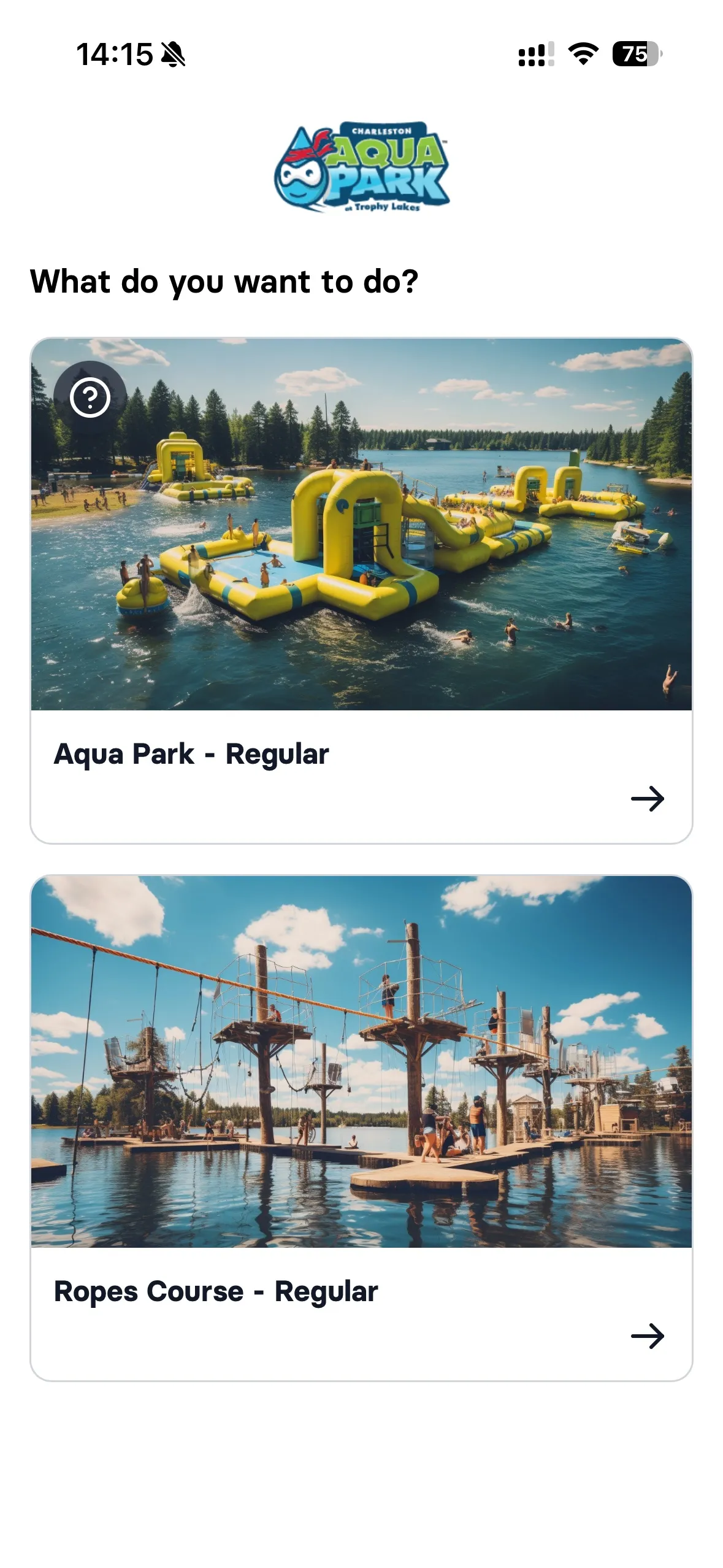
This is what your guests get
Your activities and prices, in the booking flow our own park runs on. Book, invite the family, sign the waiver, check in with one tap.
60 seconds on their phone
Guest books online
Pick the activity and the time, add who's coming, pay with Apple Pay. No account, no app to download.
Learn more about booking- Pick the activity: The guest taps Aqua Park on the park's own booking page.
- Continue as guest: No account, no password. The e-mail comes later, with the details.
- Pick a time: Every slot shows seats left and the price.
- Choose who's coming: Three tickets with the stepper, then Add to cart.
- A second session for less: Back on the time slots, every other session now costs $9.99 instead of $18.00. The guest skips it and carries on.
- Add-ons: Aqua Socks × 3, straight into the order.
- An upgrade on offer: Ropes Course as a bundle, crossed-out price and all. A quick "No, thanks" and it's gone.
- Your details: One tap on the AutoFill suggestion fills every field. Tick the terms and continue.
- Check out: Everything in one order, taxes on top, total at the bottom.
- Pay with Apple Pay: Double-click and it's paid.
- Booked: The confirmation already points to the next step: assigning the tickets.
At home, before arriving
Family claims tickets
Share a link. Each person claims their ticket and signs their own waiver. All done before leaving home.
Learn more about waivers- Share the booking: Chris can share an invite link, so friends in the group assign their own tickets and sign their own waivers.
- Take your own ticket: Chris picks Myself.
- Sign the waiver: Read it, sign with a finger, done. Name and address come from AutoFill.
- Next ticket: One down, two to go.
- For his kids: Chris picks Child.
- Annick has been here before: She's already on the account from a past visit, with her waiver on file. One tap, no new waiver.
- Levi's ticket: Two down, one to go.
- For his kids: Child again.
- A new child: Levi hasn't been here yet, so Chris adds him as his own child.
- Levi's details: Name and date of birth, with Chris recorded as legal guardian.
- Sign for Levi: The same waiver, signed by Chris as Levi's legal guardian.
- Everything is set up: Three tickets, three named people, every waiver in place. Before anyone leaves home.
One tap on the iPad
Staff checks in
Green means everyone's signed. Tap to check in. No questions, no waiting, no chaos.
Learn more about check-in- Today's bookings: Every booking for the day, grouped by time slot.
- Everyone has signed: Each guest's signature is right there. Select all, tap Check In.
- Checked in: The whole family is in with one tap. No clipboard, no queue.
Coming from FareHarbor, Beyonk, Qweekle, Sports Booker or FuseMetrix?
We bring your activities and prices over, so your demo looks like your park from day one.
- FareHarbor
- Beyonk
- Qweekle
- Sports Booker
- FuseMetrix
How it works
- 1
Tell us your website
We read it and show you what we found. Add anything we missed, or leave it to us.
- 2
We build it
We build your booking page and email you the link.
- 3
You try it
Book on your phone like a guest. Want to walk through it together? Reply and we set up a call.
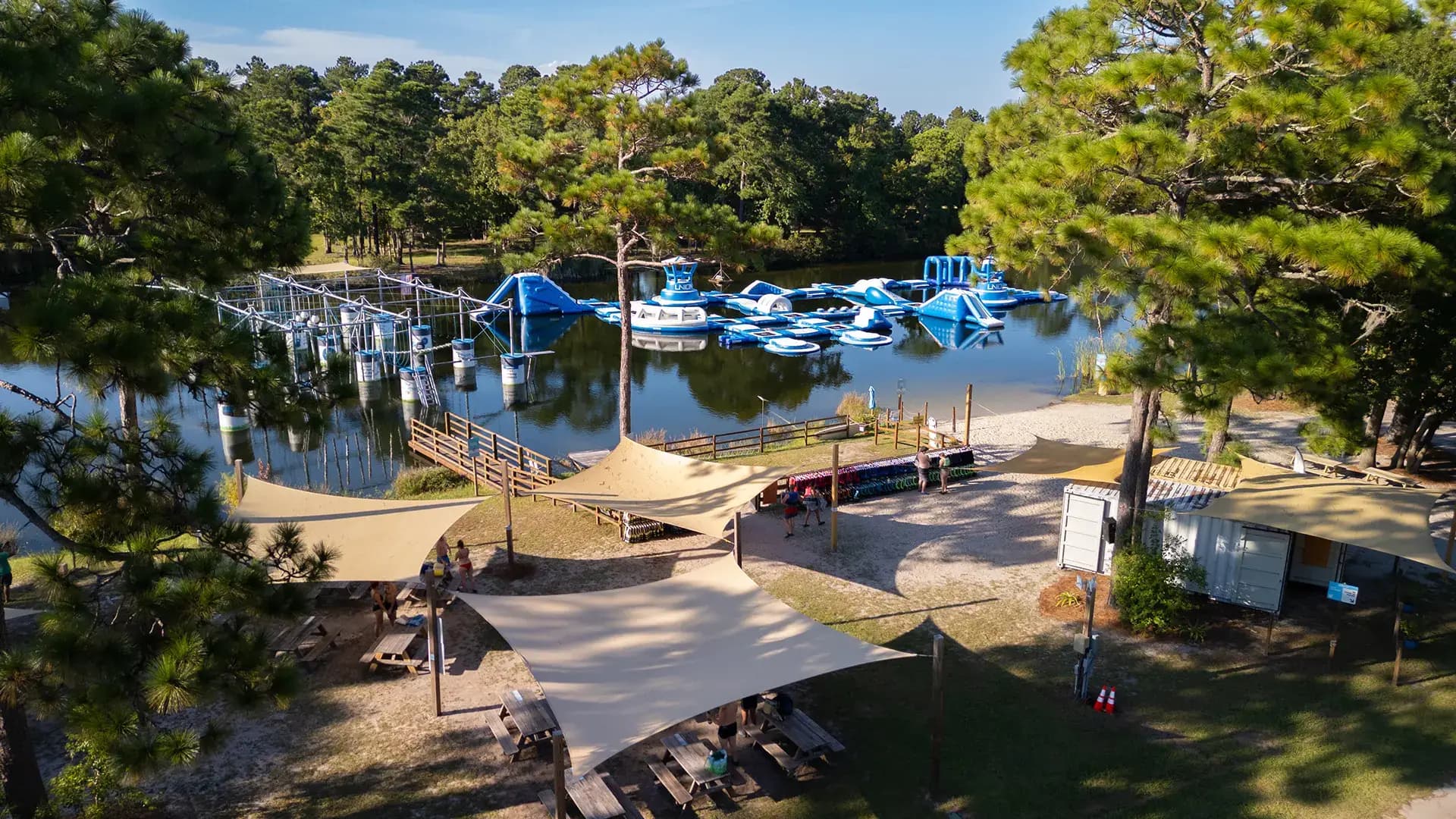
Built at Charleston Aqua Park, the park we run ourselves.
Frequently asked questions
No. You give us a website and an email. That's it.
First 12 months free.
No. We use what's there and fill the rest with sensible examples you can change. You can also add your prices before we build.
We detect which booking system your website uses. From FareHarbor, Beyonk, Qweekle, Sports Booker and FuseMetrix we bring over your activities and prices. From anything else we build it from your website.
You decide. Reply to the email if you want to go live, want changes, or want to walk through it on a call.
Your park, on your phone, no call needed.
Give us your website. We build your booking page and email you the link.
