Bookingsoftwarefor
axe throwing venues
Stupid simple booking software for axe throwing venues. A lane is an exclusive slot with a buffer between groups, every thrower signs before arriving, walk-ins sell on the iPad into the same calendar. No waiver, no axe, no exceptions, and no fifty-page setup guide.
Why does a bachelor party stall at the front desk?
No waiver, no throwing. But your Friday night crowd doesn't want to stand at a clipboard.
Safety waivers
Every single thrower needs a signed waiver, no exceptions
Lane turnover
Back-to-back sessions with coaching time eating into throwing time
Group events
Bachelor parties, corporate teams, 20+ people needing waivers signed
No-shows
Empty lanes on prime Friday night slots
How are waivers signed before anyone picks up an axe?
Lane scheduling, group events, and mandatory safety waivers, all handled before guests walk through the door.
Digital Waivers
Everyone signs before arriving. Critical for axe throwing: no waiver, no throwing, no exceptions.
Lane Management
Book lanes by time slot. Set capacity per lane. Real-time availability for your entire venue.
Group Booking
One person books, shares a link. Every group member claims their spot and signs their waiver.
Corporate Events
Team building groups book multiple lanes. Each employee signs their own waiver via shared link.
Session Timing
60, 90, 120-minute sessions. You define them. Buffer time between groups for coaching setup.
Mobile Booking
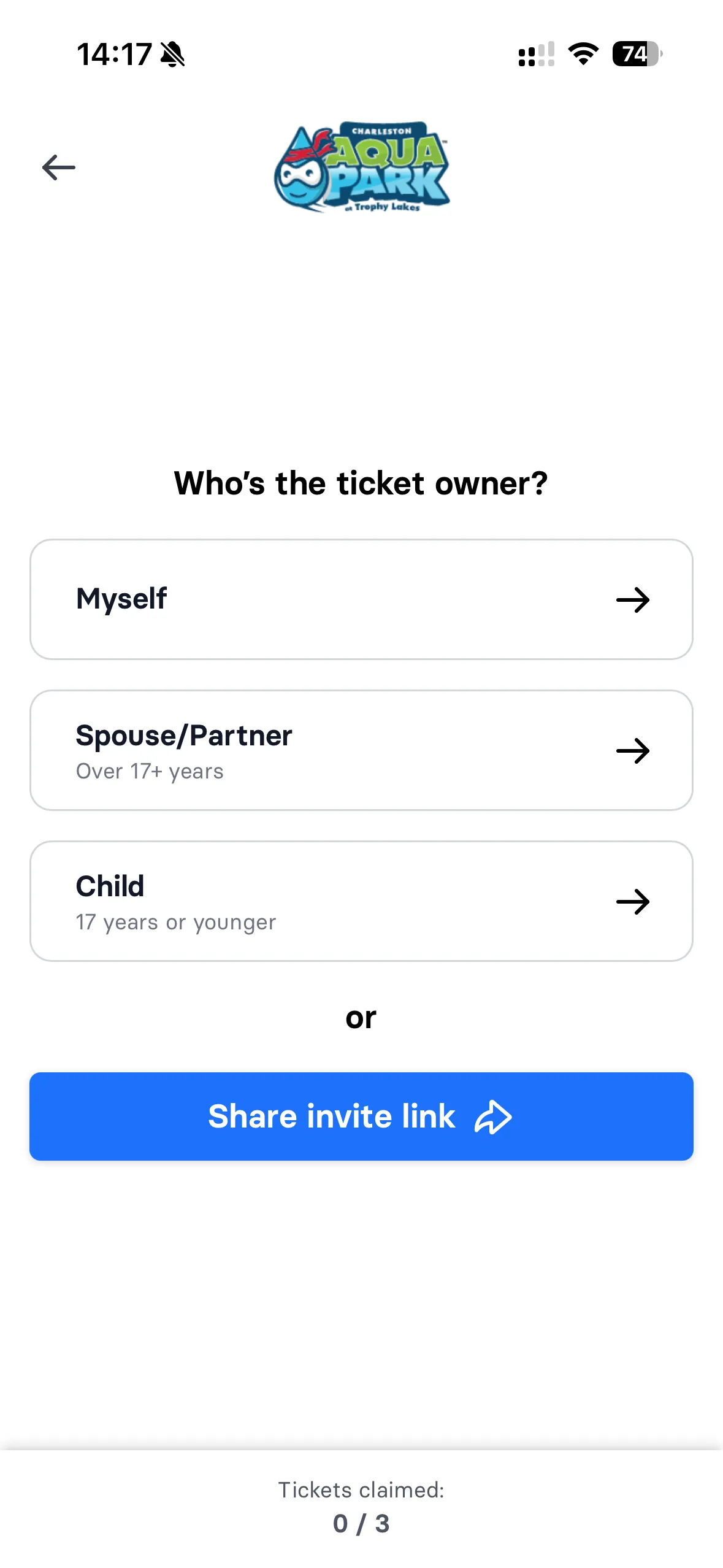
Guests book on their phones. See lane availability, pick a time, waiver signed, done.
How axe throwing is booked in wakesys
A lane in wakesys is an exclusive timed slot: one booking takes the whole lane for its session, the same model escape rooms use. Every waiver and group hangs off that slot. These are the objects the system holds:
- Lane
- Name, its own calendar, throwers per lane and the session lengths it offers.
- Session
- 60, 90 or 120 minutes as you define them, with a buffer between groups for coaching and reset. One booking closes the lane for that time.
- Booking
- The group, the lane, the session, the number of throwers and the payment status.
- Waiver
- One per thrower, signed before arrival from the shared link, guardian consent for minors. No valid waiver, no throwing; check-in shows who is still missing one.
- Group
- One organiser books and shares the link; each thrower claims a spot and signs. Corporate events book several lanes at once.
- Walk-in
- Sold at the iPad POS into the same lane calendar, with the waiver signed on the spot.
wakesys has no axe-specific module. A lane is booked as an exclusive timed slot, which is why lane turnover, buffers and no-shows are handled by the session rules rather than a separate system.
Book a lane and sign the waiver in 60 seconds
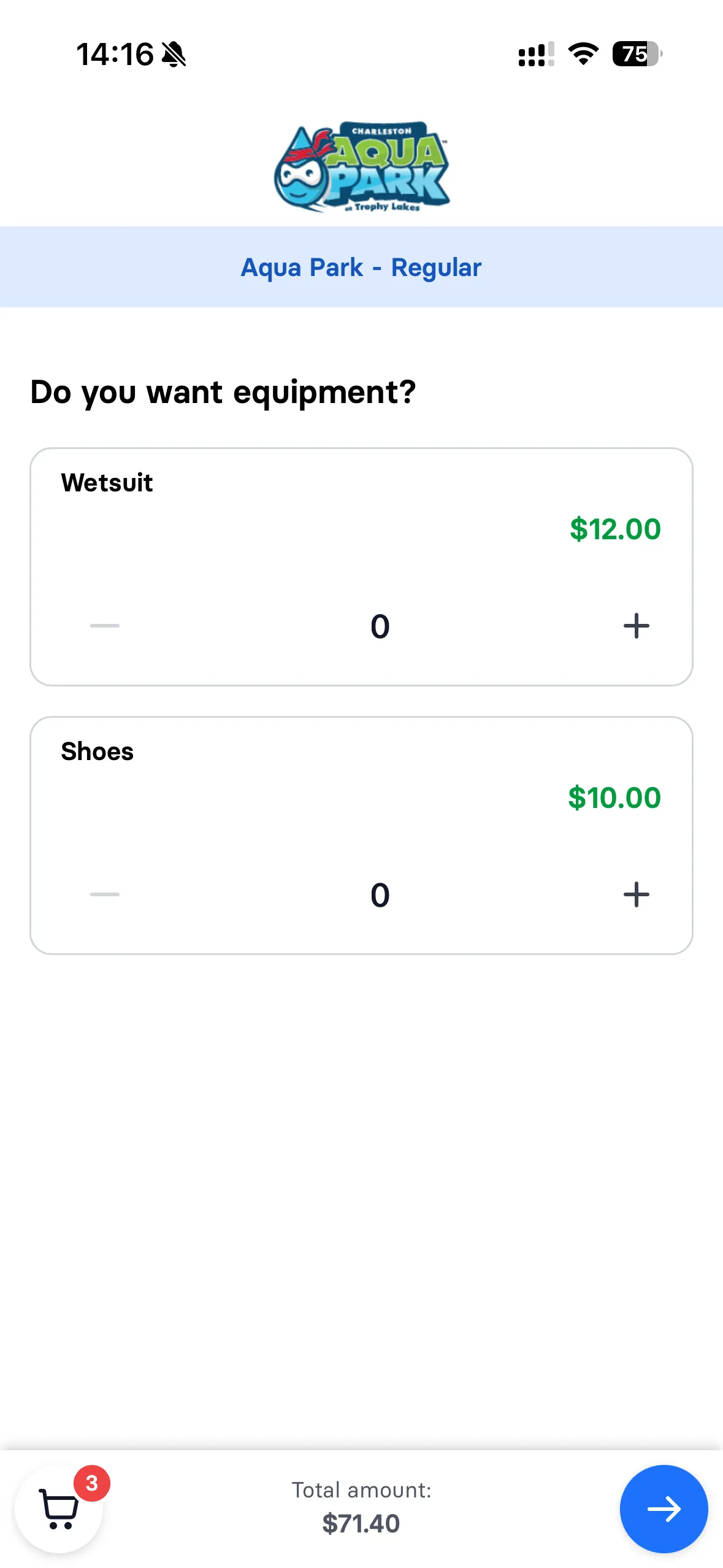
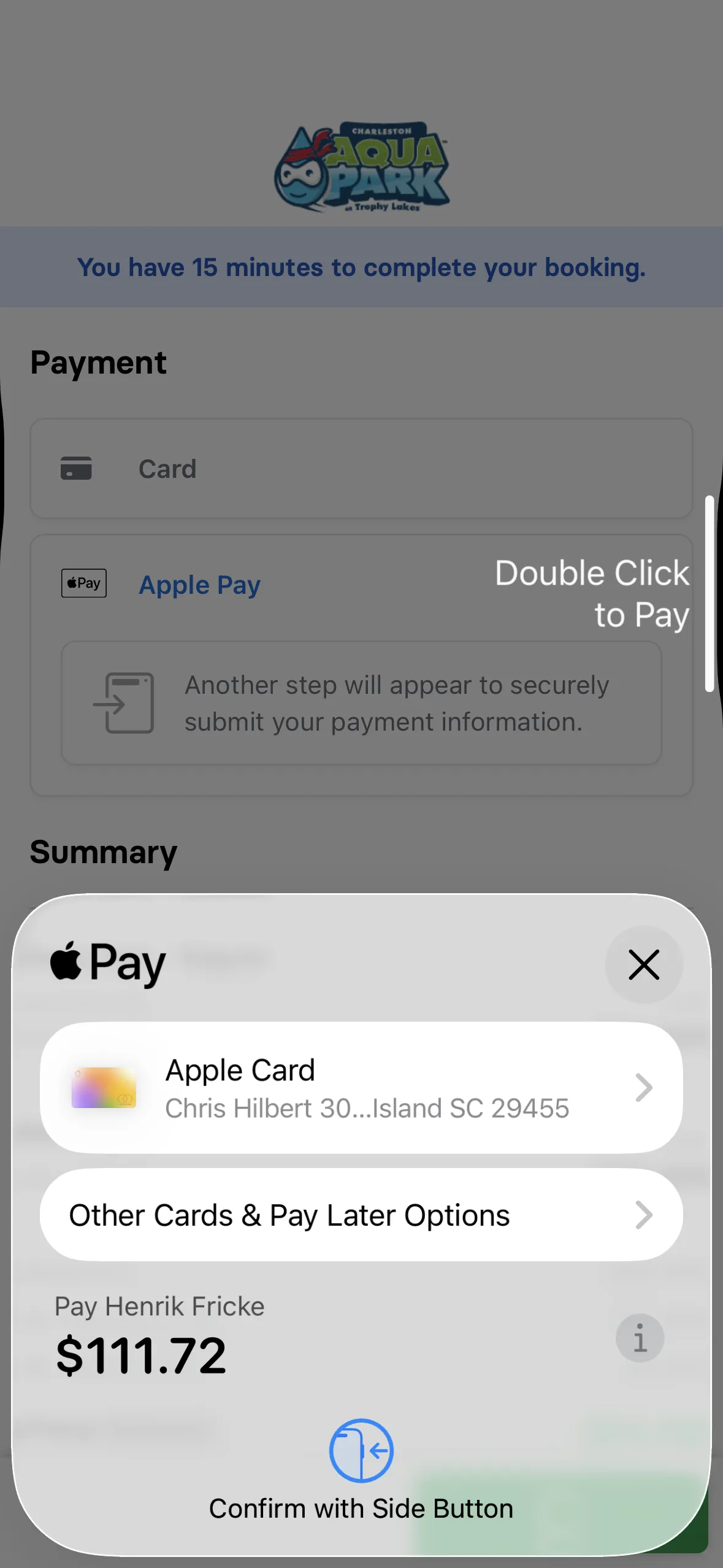
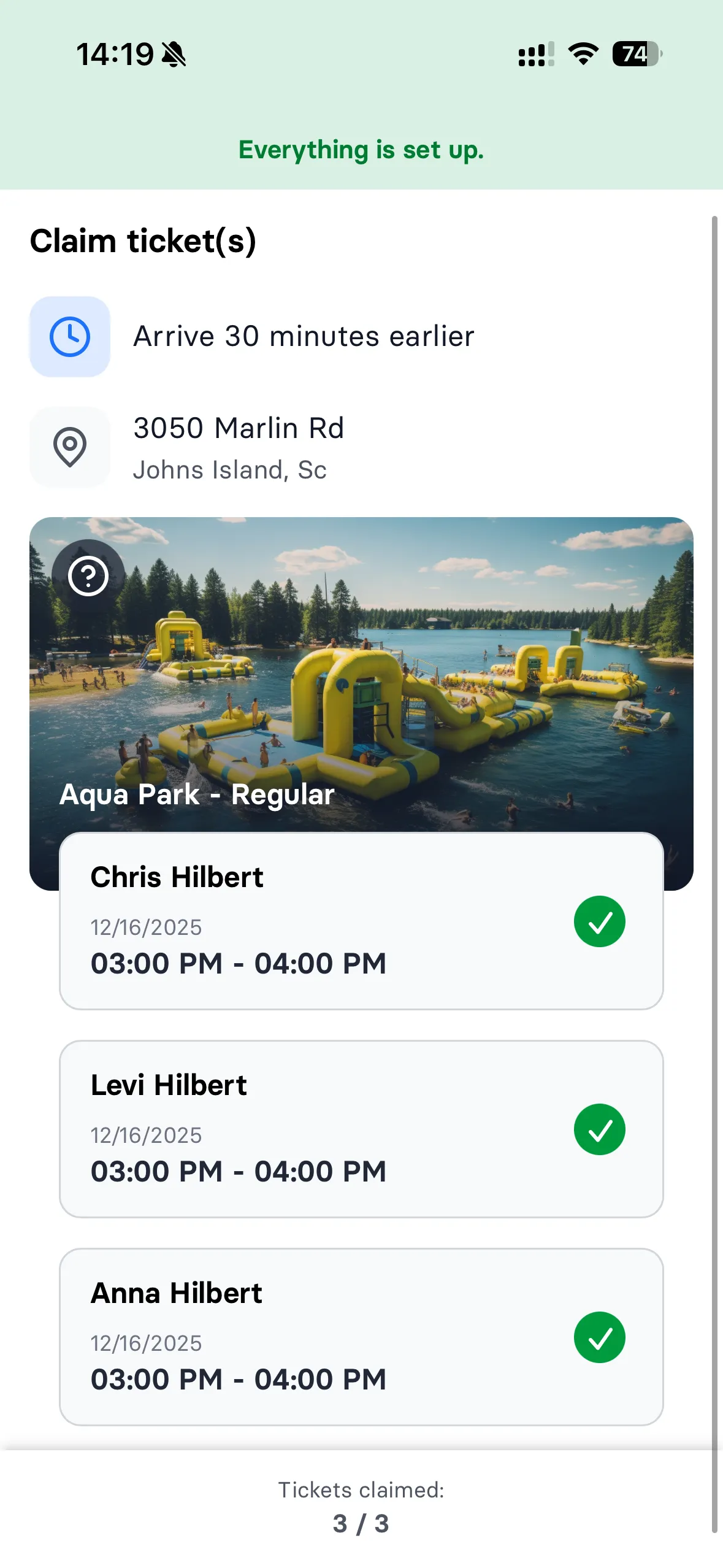
Guests pick a session length, see available lanes with real-time capacity, choose their time, sign the safety waiver, and pay with Apple Pay, all on their phone. By the time they show up, they're pre-registered and ready to throw. No phone calls, no waiting at your front desk.
Learn more about booking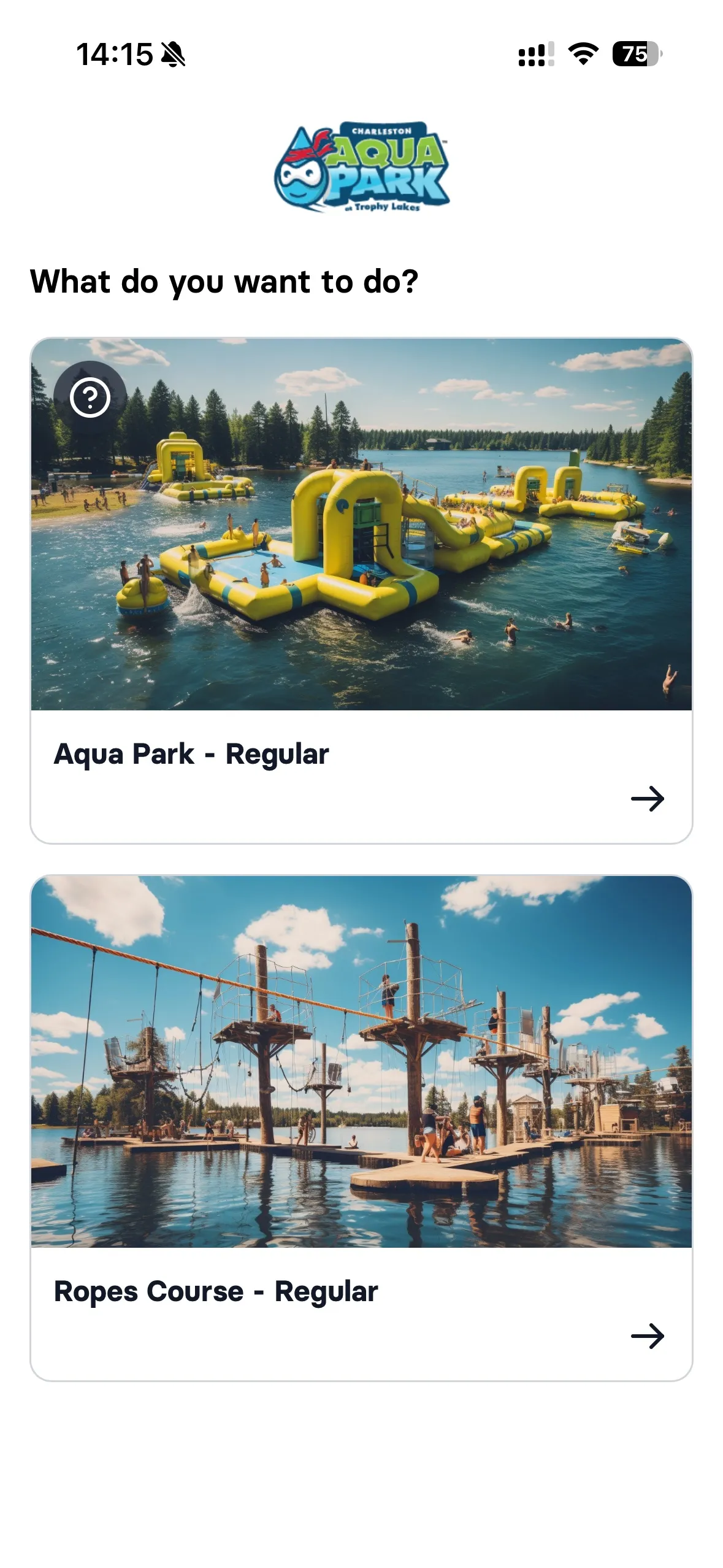


No waiver, no axe. Enforced automatically.
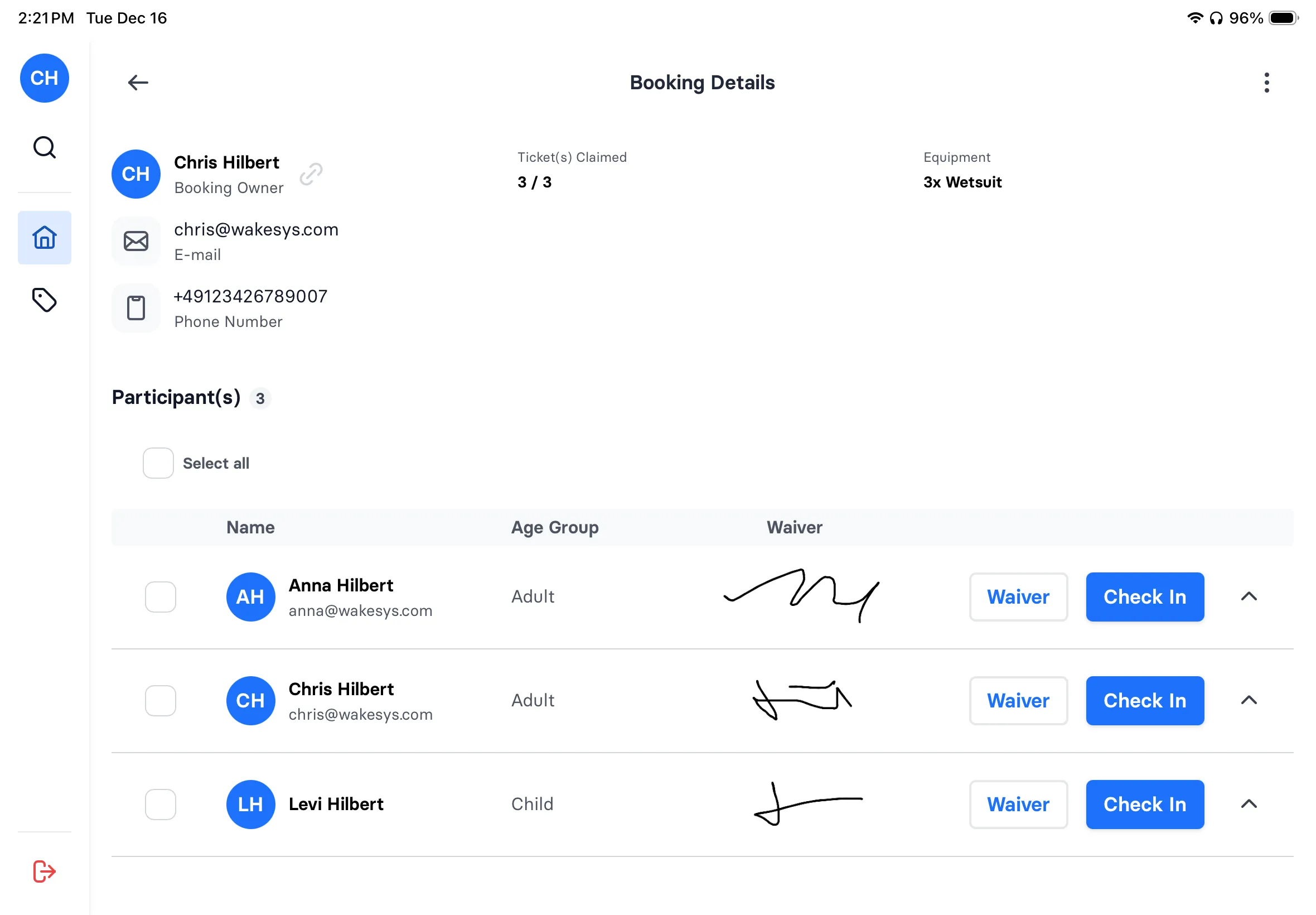
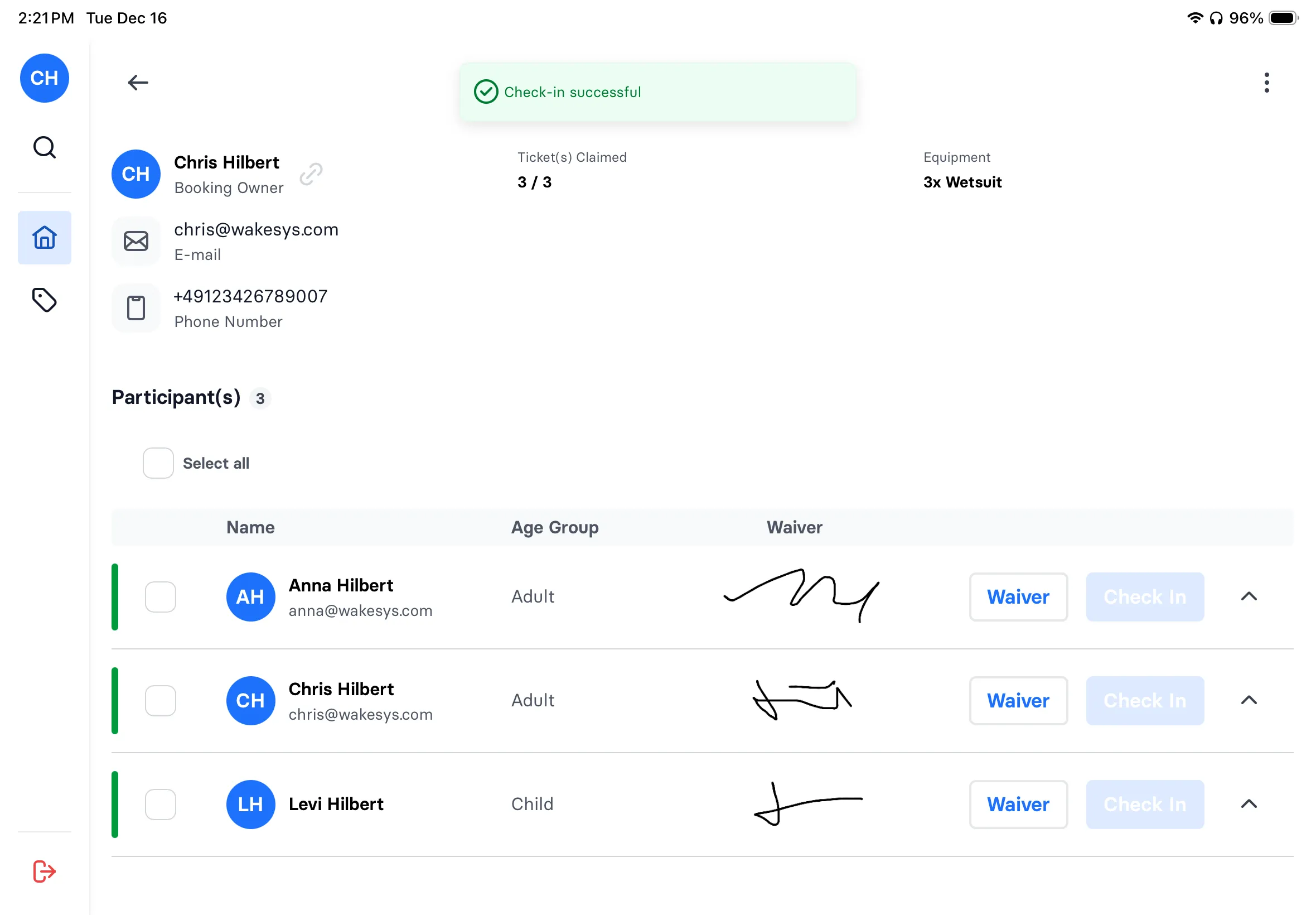
Every thrower signs their safety waiver during booking, not at the door with a clipboard. For groups, the organizer shares a link and each person signs independently. Your manifest shows waiver status for every person: green means signed, red means they can't check in. Zero exceptions.
Learn more about waivers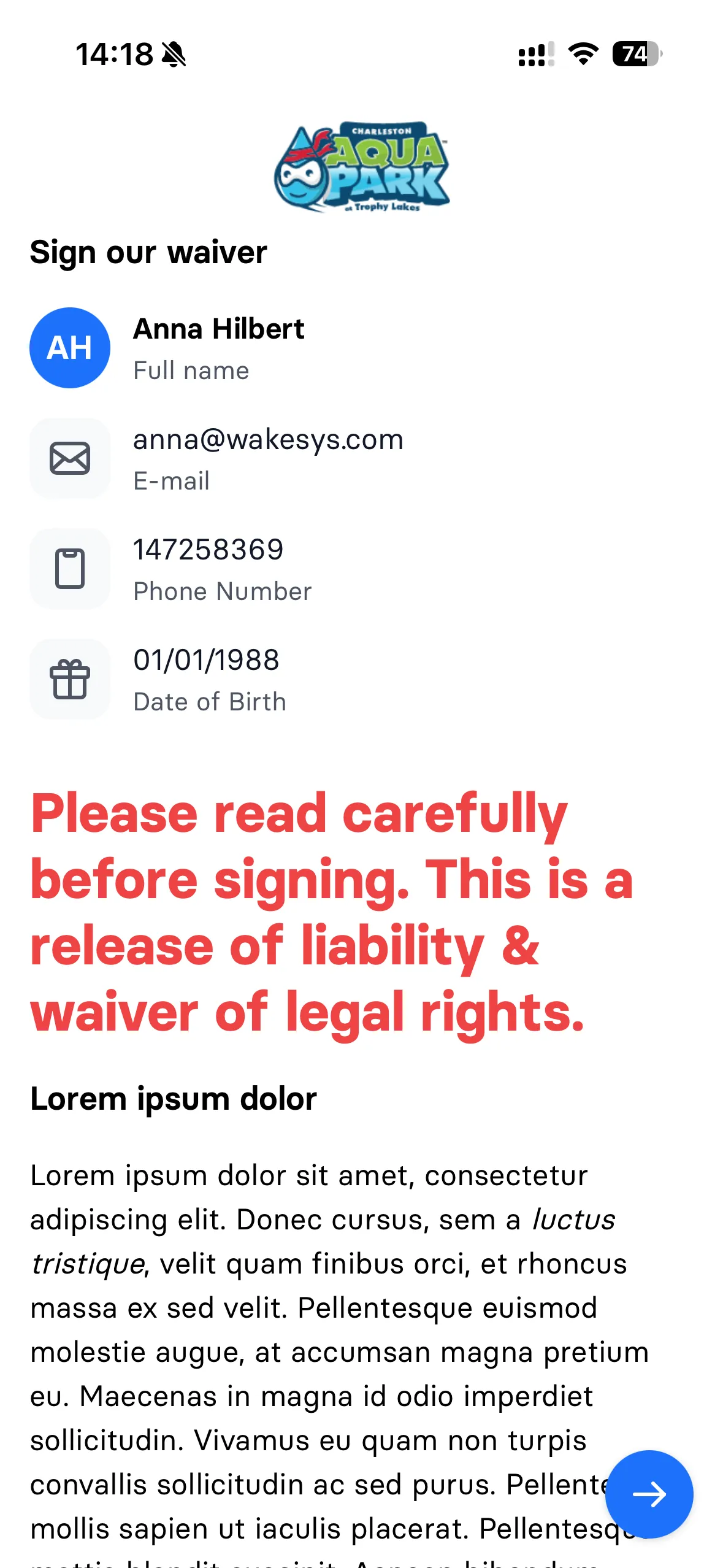

Friday night check-in without the chaos
Your manifest shows every lane, every session, every thrower, with waiver status at a glance. Tap to check in a bachelor party of 12. See which lanes turn over at 8pm. Handle a walk-in while a group is mid-session. One iPad runs your entire front desk.
Learn more about check-in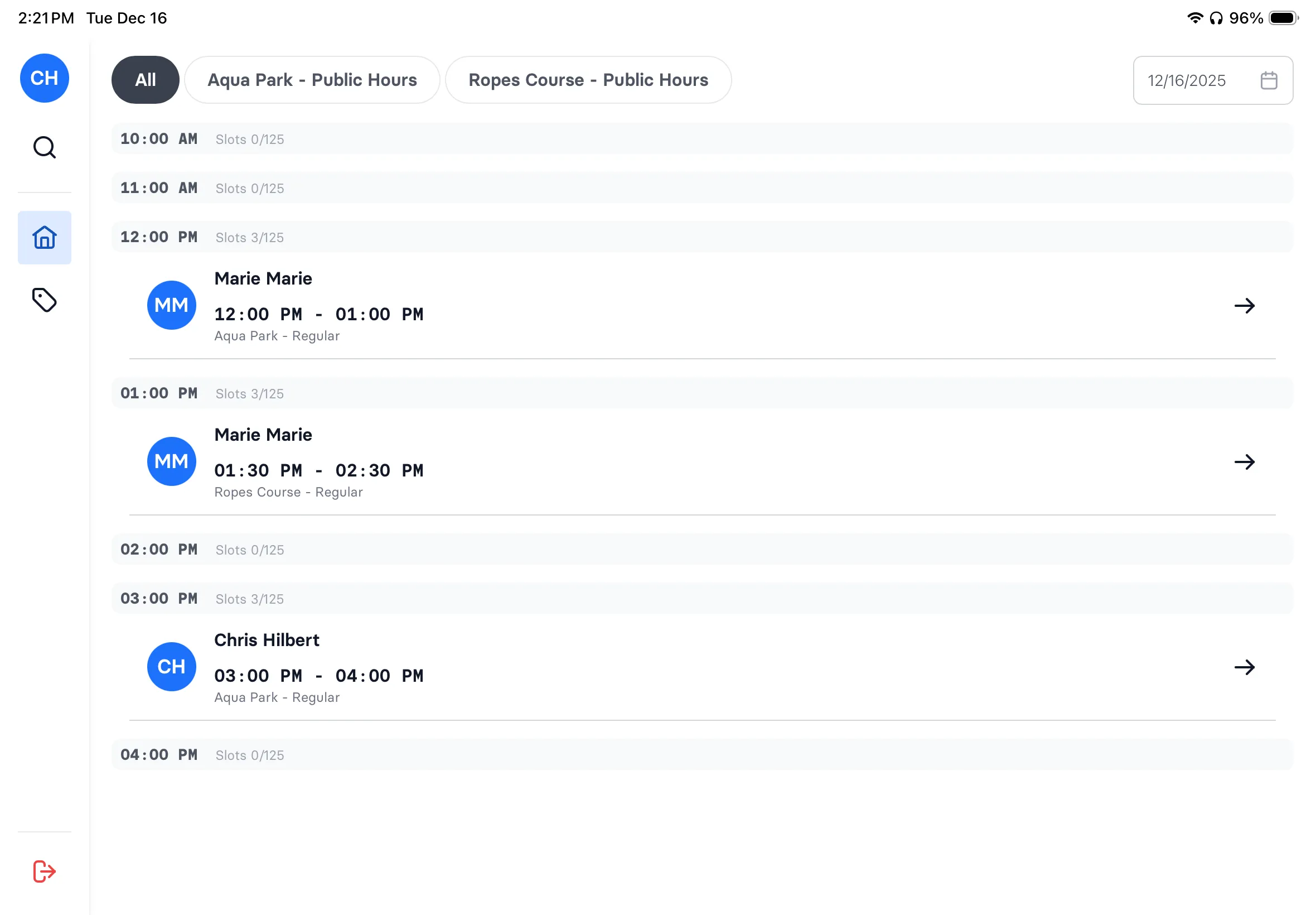
Bachelor parties and team building, organized
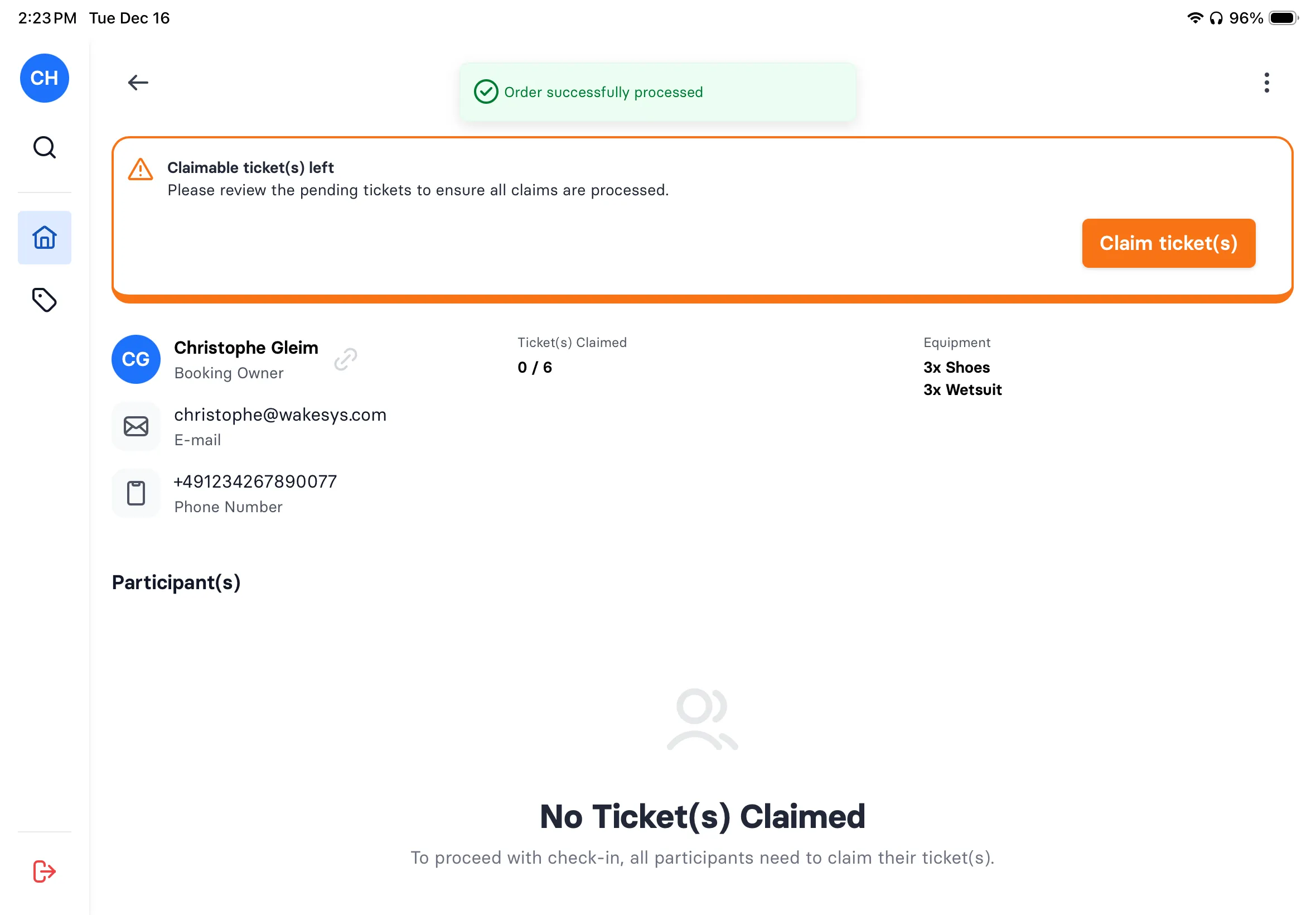
The organizer books 4 lanes for 20 throwers. Gets one link. Shares it with the group. Each person claims their spot and signs their waiver from their phone. Your dashboard shows: 18 of 20 signed, 2 pending. On event night, everyone walks straight to their lane.
Learn more about groups

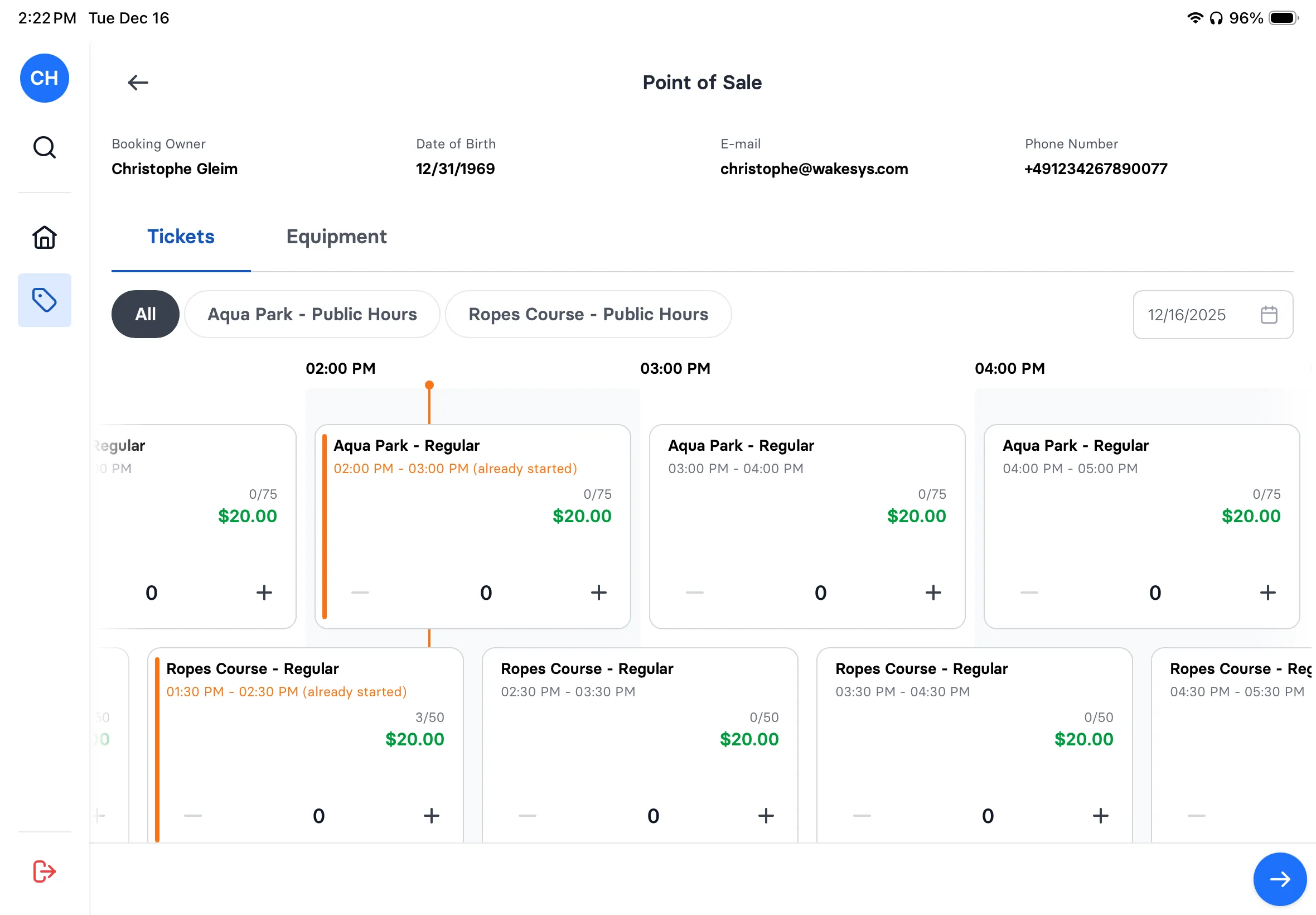
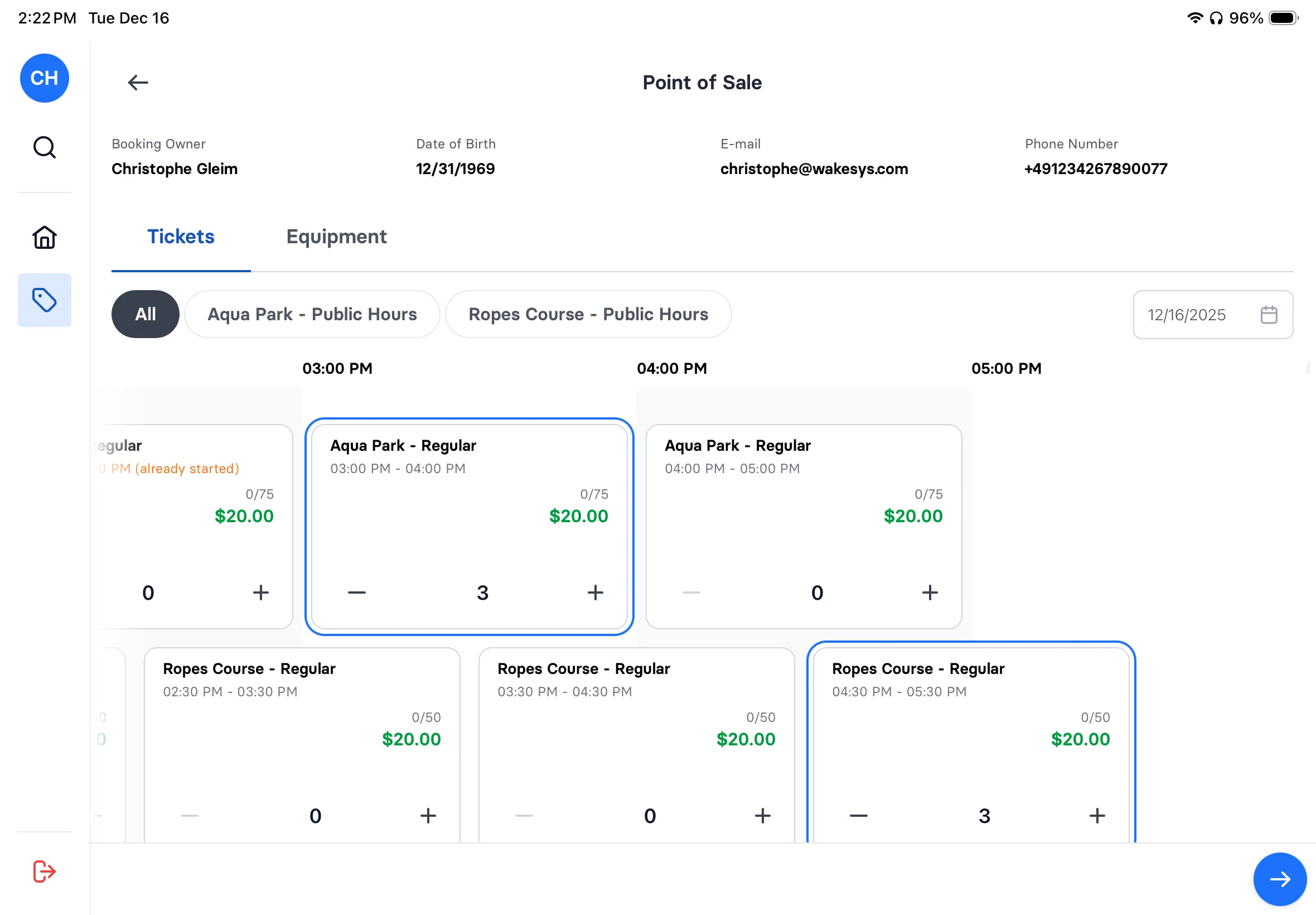
Axe throwing POS: turn walk-ins into throwers in 30 seconds
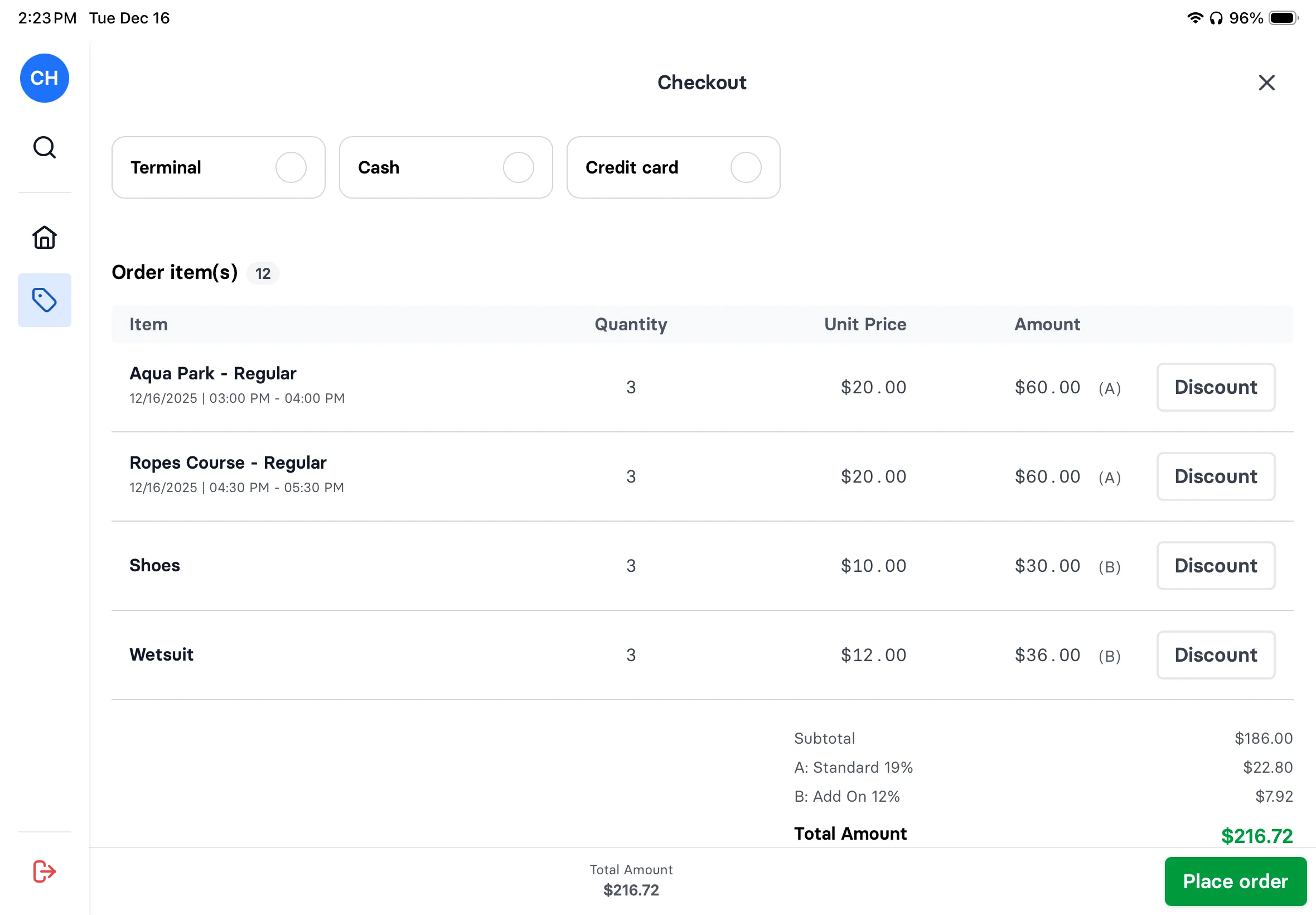
Couple walks in wanting to throw? Check lane availability, book them into the next slot, collect waiver signatures on the iPad, process payment. Done. They're throwing before their beers arrive. Same iPad your staff uses for everything else.
Learn more about POS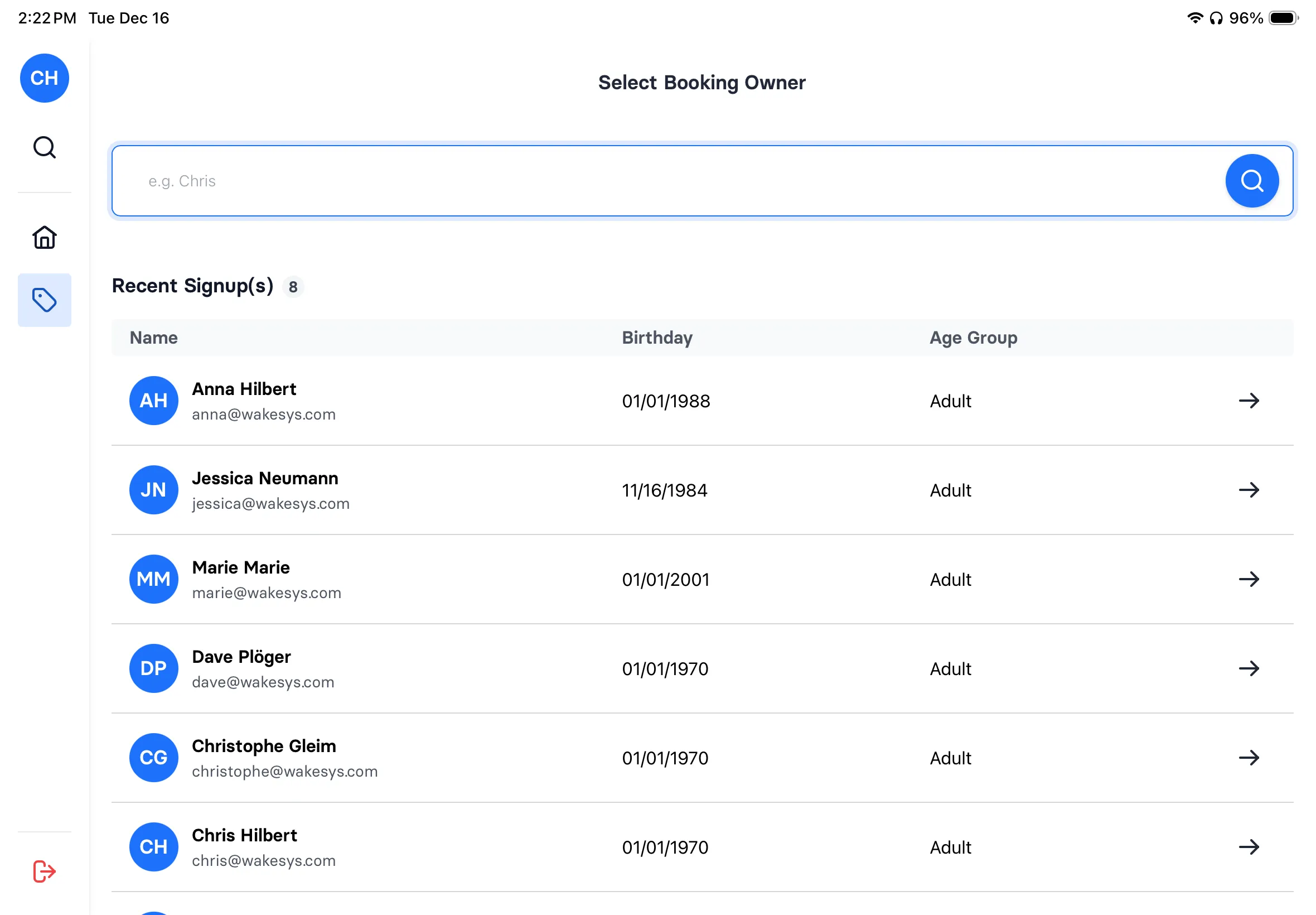
Core Features
Deep dive into the features that make wakesys different.
What to Look For in Axe Throwing Software
Based on running activity venues and talking to axe throwing operators, here's what actually matters:
- Waiver Integration: Waivers should be part of booking, not a separate step. Guests should arrive signed and ready.
- Lane Management: Session-based capacity per lane. Visual availability. Automatic overbooking prevention.
- Group Booking: Corporate events, bachelor parties, team building. One booker, everyone handles their own info.
- Walk-In Support: Not everyone books ahead. Your POS should handle walk-ins just as smoothly.
- Mobile Speed: Most bookings are on phones. If mobile booking is slow, you're losing sales.
How we compare
The systems we've compared ourselves to. Ratings are from G2 and Capterra, September 2026.
Axe throwing software questions answered
From lane management to WATL/IATF waiver compliance: everything you need to know.
Axe throwing booking software handles lane reservations, session scheduling, and, critically, mandatory safety waivers. Every thrower must sign before picking up an axe. wakesys handles it by building waiver signing into the booking flow, so 100% compliance happens automatically.
The organizer books lanes for their group and gets a shareable link. They text it to everyone attending. Each person opens the link, claims their spot, and signs their safety waiver, all from their phone. On event night, everyone walks in pre-registered and ready to throw.
Axe throwing carries real injury risk. WATL and IATF venues require signed liability waivers from every participant. wakesys enforces this: no signed waiver means no check-in, which means no axes. The waiver is signed during booking, not at the door with a clipboard and a line of impatient throwers.
Yes. A company books 4 lanes for 20 people. HR gets one link. Each employee opens it, picks their lane, signs their waiver. Your dashboard shows exactly who's signed and who hasn't. No chasing people via email. Perfect for team building, client entertainment, and company parties.
Set throwers per lane (typically 4-6) and session length (60, 90, or 120 minutes). The system enforces limits automatically and blocks buffer time between sessions for setup. Real-time availability only shows lanes with open capacity, which prevents overbooking and keeps throwing distances safe.