Live for wakesys parks
Run your park with an assistant that knows your numbers
wakesys has an MCP server. Connect Claude or ChatGPT to it and your assistant can see every booking, session, add-on and guest. Connect Klaviyo, Meta, Google and your spreadsheets next to it, and the same assistant can act on what it sees. Ask in plain language. On the wakesys side it only ever reads.
Your data, your tools, one assistant
Numbers you can talk to
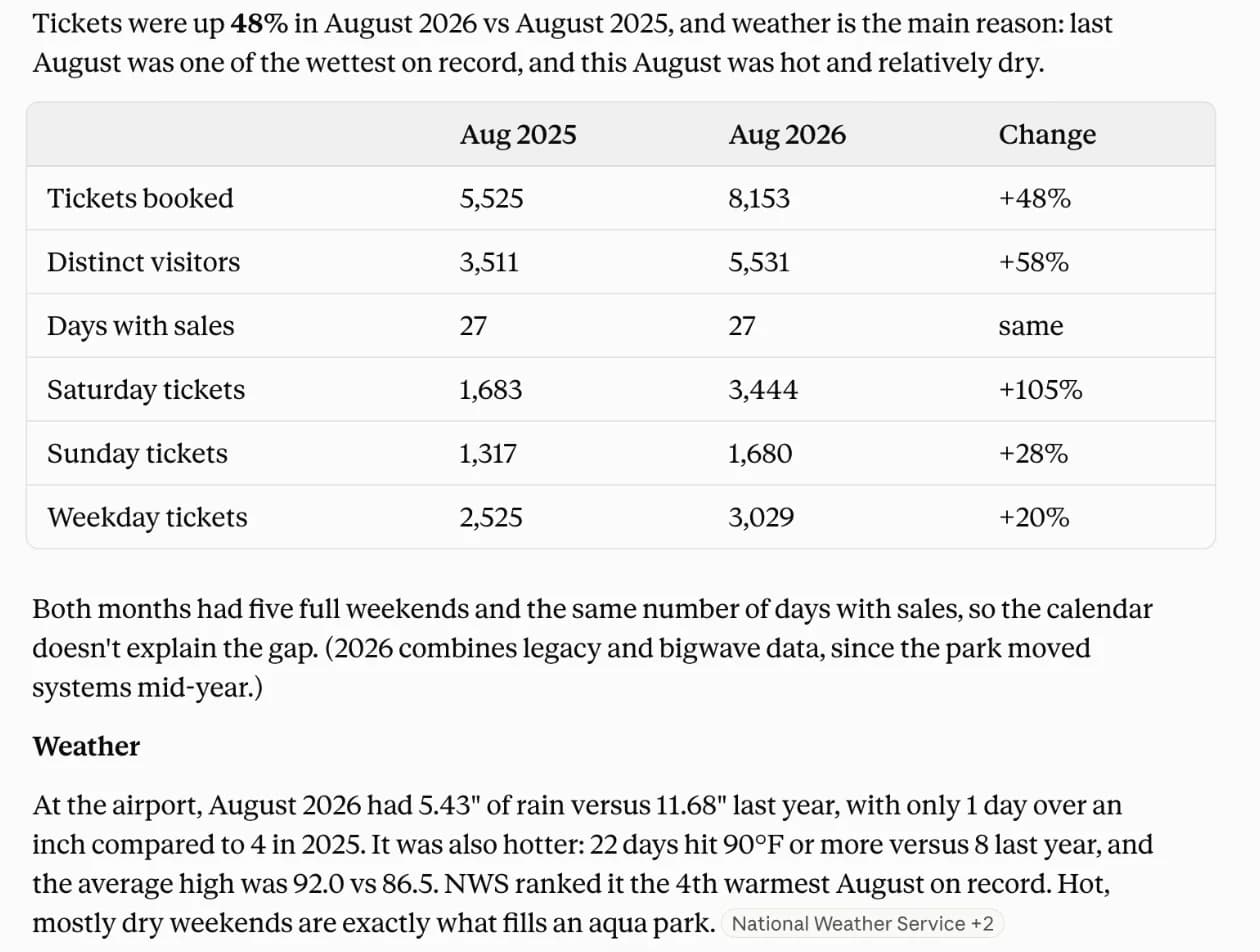
No report builder, no export, no waiting on someone who knows SQL. Ask why August was down, which add-ons pay or how this season compares with the last one, and follow up the way you would with a colleague.
One assistant across every tool
Your park data lives in wakesys. Your guests' inboxes live in Klaviyo or Omnisend. Your ad spend lives at Meta and Google. Connect them all to one assistant and it can join the dots nobody had time to join.
An afternoon of work in one sentence
A segment, a draft campaign, a weekly report, a slide for the bank. Describe it once. The assistant pulls the figures, builds the thing and shows you before anything goes out.
Six things you could ask tomorrow
Each of these is one message to your assistant. wakesys supplies the numbers; the tools you connect do the rest.
Fill the quiet sessions
You ask
“Which weekday sessions ran emptiest last summer? Find the guests who came on a weekday back then and have not been back since, and draft them a midweek offer in Klaviyo.”
What happens
The assistant reads past fill and guest history from wakesys, builds the segment and the draft in Klaviyo, and waits for you to press send.
Win back last year's birthday families
You ask
“Who booked a birthday party last spring and has not booked since? Start a win-back flow in Omnisend with a 'the kids are a year older' angle.”
What happens
Repeat buyers and recency come from wakesys. The flow and the copy are built in Omnisend. Names and email addresses are read only once you have granted that permission.
Ads measured on bookings, not clicks
You ask
“Compare what we spent on Meta and Google last season with the bookings we actually took. Which campaigns paid for themselves?”
What happens
Spend comes from the ad platforms, revenue by day from wakesys. You get a return per campaign based on real tickets, not on the platform's own attribution.
The monthly report writes itself
You ask
“Once a month, put the month just closed against the same month last year, per park, with fill by weekday and top add-ons, into our Google Sheet and post the summary in Slack.”
What happens
Scheduled once. The assistant queries wakesys, updates the sheet and writes the summary. Your dashboard is a spreadsheet you already know how to read.
Plan the season on two years of fill rates
You ask
“Which weekdays and hours ran emptiest in September the last two years? Propose opening hours for next September and show what revenue we would keep.”
What happens
Analysis on your own history, with the working shown. Changing the schedule is still done in the wakesys admin today; the assistant tells you exactly what to change.
Slides for the bank, the landlord or a partner
You ask
“Build a ten-slide season review: revenue per park, attendance, add-on revenue, repeat guests. Google Slides, in our colours.”
What happens
The figures come from wakesys, the deck is built in Google Slides, and every number carries the period it came from.
wakesys reads. Your other tools act. You decide.
wakesys MCP
Your park's revenue, sessions, add-ons, capacity and guests, from the wakesys warehouse. Read-only: nothing in wakesys can be changed through it.
Claude or ChatGPT
The assistant you already use, signed in with your wakesys email and limited to the parks you can see. No API key, no developer.
The tools you already run on
Klaviyo, Omnisend, Resend, Meta Ads, Google Ads, Google Sheets and Slides, Slack, and any other tool with an MCP server. Connect them to the same assistant.
Today and next
Live today
Read-only access to your park's numbers for Claude, ChatGPT and any assistant that supports remote MCP servers. Included with wakesys for every park on the platform.
On the roadmap
Your assistant changes prices, schedules and offers for you, with your confirmation before anything that touches booked guests. No date yet. Until then, it tells you what to change and you do it in the admin.
Frequently asked questions
MCP, the Model Context Protocol, is the open standard AI assistants use to reach outside tools and data. A tool with an MCP server can be connected to Claude or ChatGPT in a few clicks. wakesys has one, so your assistant can read your park's revenue, attendance, add-ons and guest summaries and answer in plain language.
Claude, ChatGPT on plans that allow custom connectors, and any other assistant that supports remote MCP servers with OAuth. The other tools you connect, such as Klaviyo or Google Sheets, connect to the same assistant through their own MCP servers or connectors.
No. You sign in with your wakesys email and approve what the assistant may read. There is no API key to manage. Existing customers get the connection from us directly.
Only through the tools you connect, and only as far as you allow them; the assistant shows you the draft first. wakesys itself is read-only: it never sends anything, and nothing in wakesys can be changed through the connection.
Analytics come with pseudonymous customer IDs only. Reading real names or contact details is a separate permission, and before the first lookup you confirm that you want personal data sent to your AI provider and that the park has a lawful basis for it. The figures are processed by the assistant you connect, under that provider's terms.
No. It is part of wakesys for every park on the platform. You pay your assistant provider for Claude or ChatGPT, not us.
As current as the last completed import and analytics refresh. Ask the assistant which dates are available before comparing periods; the gap can be weeks or months, not hours. For anything that must be live, such as today's availability, use the admin.
See it on your own numbers
Book a demo and we will connect a sample park to Claude in the call. Ask it anything you would ask your best manager.