Mobile Booking Best Practices: Why 80% of Your Guests Book on Their Phone
The Mobile Reality: 80% of Your Guests Book on Their Phone
If you're still optimizing your booking flow for desktops, you're optimizing for the minority. The data is clear:
- 80%+ of activity park bookings happen on mobile devices
- 60-second attention spans — if it takes longer, they bounce
- Thumb-zone design matters more than you think
- Apple Pay and Google Pay convert 2-3x better than card entry
Why Mobile-First Booking Matters
1. Discovery Happens on Mobile
The booking journey often starts on social media, a Google search, or a friend's text message. All on phones. If the first tap leads to a clunky experience, you've lost them.
2. Parents Book While Multitasking
Your typical customer is a parent who just promised their kid a trampoline park trip. They're booking while:
- Watching TV
- Waiting in the car pickup line
- On a quick work break
- In bed before sleep
They don't have time for a 15-field form or a confusing checkout.
3. Group Coordinators Share Links
Birthday party hosts share booking links via text message. Those links open on phones. If the experience is broken on mobile, the entire party booking fails.
Mobile Booking Best Practices
1. Single-Column Layout
Desktop layouts with multiple columns don't work on phones. Every mobile booking flow should be:
- Single column
- Full-width elements
- Large touch targets (minimum 44px)
- No horizontal scrolling
What to avoid:
- Side-by-side form fields
- Tiny checkboxes
- Dropdown menus that require precise tapping
2. Minimize Form Fields
Every additional field reduces conversion. On mobile, this effect is amplified.
Essential fields only:
- Name
- Phone (optional for SMS confirmations)
- Payment
Remove or defer:
- Address (not needed for digital tickets)
- How did you hear about us (ask post-purchase)
- Marketing opt-in (small text below submit is fine)
- Account creation (optional after purchase)
3. One-Tap Payments
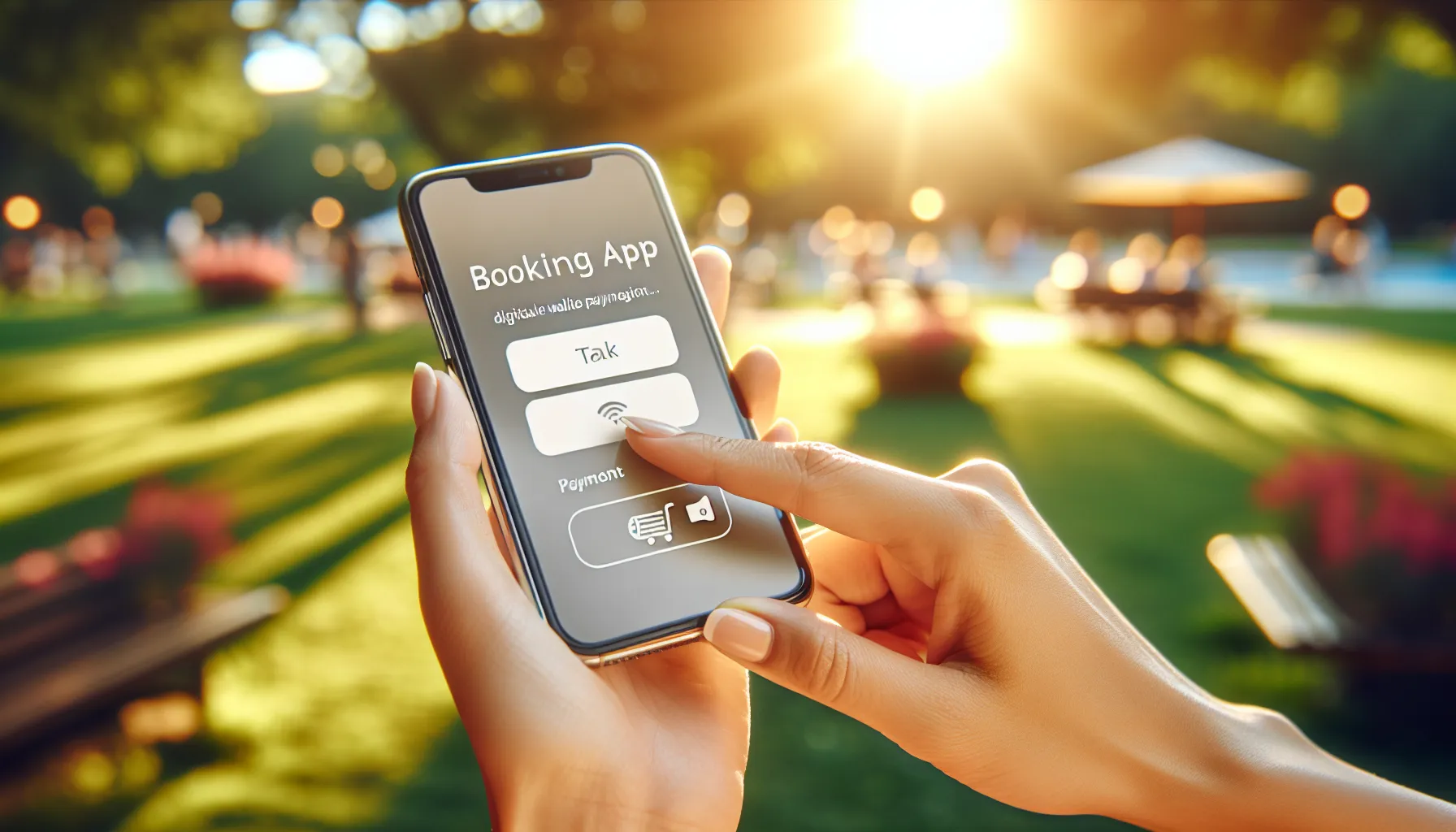
Apple Pay and Google Pay are game-changers on mobile:
- No card number entry
- Biometric authentication (Face ID, fingerprint)
- Pre-filled shipping/billing info
- 2-3x higher conversion rates
If your booking system doesn't support wallet payments, you're leaving money on the table.
4. Progress Indication
On mobile, users need to know:
- How many steps total
- Which step they're on
- That the system is processing
A simple "Step 2 of 3" or progress bar reduces abandonment significantly.
5. Sticky CTA Buttons
On long mobile pages, the "Continue" or "Book Now" button should be:
- Fixed at the bottom of the screen
- Always visible
- One-tap accessible
Forcing users to scroll back up to find the button is a conversion killer.
6. Smart Defaults
Pre-select the most common options:
- Today's date or next available
- Most popular session time
- Standard ticket type
- Party size of 1 (increment from there)
Every tap saved increases completion rates.
7. Inline Validation
Don't wait until submission to tell users something is wrong.
Bad: User fills out 10 fields, taps submit, sees "Invalid email" at the top of the page.
Good: Email field shows red border and "Please enter a valid email" immediately after they finish typing.
8. Session Time Selection
Calendar and time pickers are notoriously bad on mobile. Best practices:
- Large, tappable date tiles (not tiny calendar grids)
- Horizontal scrolling time slots
- Clear visual indication of availability
- "Selling fast" badges to create urgency
9. Capacity Display
Showing real-time capacity creates urgency without feeling salesy:
- "12 spots left" on a session
- "Only 3 slots remaining"
- Color coding (green = available, yellow = filling, red = almost full)
This is especially effective on mobile where users are making quick decisions.
10. Order Summary
Before final payment, show a clear, concise summary:
- What they're booking
- Date and time
- Number of guests
- Total price
- Any add-ons
Keep it scannable. Mobile users skim.
Testing Your Mobile Booking Flow
The "One-Handed Test"
Can a user complete the entire booking while holding their phone in one hand and using only their thumb?
Open your booking flow on your phone. Try to book with:
- Only your right thumb
- In bright sunlight (can you see the screen?)
- While walking (can you tap accurately?)
If any step fails, redesign it.
The "60-Second Test"
Time yourself completing a booking from landing page to confirmation.
- Under 60 seconds: Excellent
- 60-90 seconds: Good, but look for improvements
- Over 90 seconds: You're losing bookings
The "Distraction Test"
Start a booking, then put your phone down for 2 minutes. Pick it back up.
- Is your progress saved?
- Can you resume where you left off?
- Or do you have to start over?
Common Mobile Booking Mistakes
1. Desktop Mindset
Designing on a desktop monitor, then "making it responsive." Mobile-first means designing for the smallest screen first.2. Too Many Steps
Each additional page/step loses 10-20% of users on mobile. Consolidate where possible.3. Requiring Account Creation
Forcing sign-up before purchase is a major friction point. Allow guest checkout. Offer account creation after purchase.4. Poor Error Handling
"An error occurred" with no explanation. Users don't know what to do and abandon.5. No Loading States
Users tap "Book Now" and nothing happens for 3 seconds. They tap again. Now they've double-booked. Always show loading indicators.6. Ignoring Accessibility
Small fonts, low contrast, no support for screen readers. 15% of your potential customers have some form of disability.The Competitive Advantage
Here's the truth: most activity parks have terrible mobile booking experiences. They use legacy systems that were never built for phones.
This is your opportunity.
A truly mobile-first booking experience:
- Converts more visitors to bookers
- Reduces customer support inquiries
- Creates positive first impressions
- Encourages word-of-mouth ("booking was so easy!")
- Differentiates you from competitors
In a world where every park offers similar attractions, the booking experience becomes a differentiator.
Implementation Checklist
□ Single-column layout on all screens
□ Minimum 44px touch targets
□ Apple Pay / Google Pay enabled
□ Under 60-second booking flow
□ Progress indication on multi-step forms
□ Sticky CTA buttons
□ Inline form validation
□ Real-time capacity display
□ Clear order summary before payment
□ Mobile-optimized date/time pickers
□ Guest checkout (no forced registration)
□ Loading states on all actions
□ Session state persistence (resume after interruption)
What a Season of Real Booking Data Changed (August 2026)
Two things we would add now that we have measured a full season on our own park.
The flow is where you sell, not just where you take payment. We added a single question near the end of checkout, after the group has picked its activity and time: do you want to add the second activity at a preferred price? Across 2,175 online bookings, 31.1 percent said yes, worth $12.04 more on every booking once you spread it across the ones that decline too. Nothing about the headline price changed. On a phone, one small question at the right moment outperforms anything you can do with a pricing page.
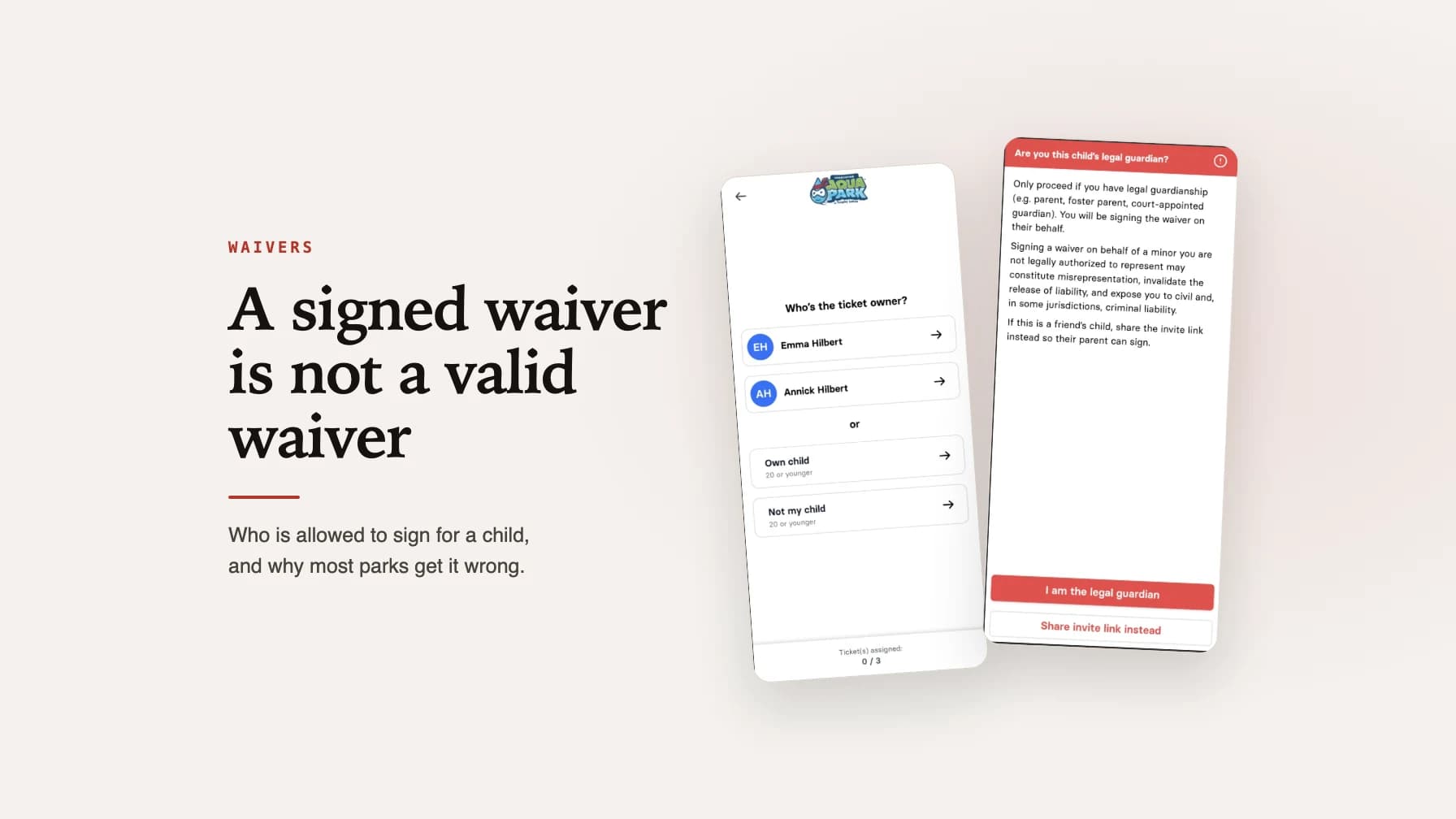
Design for the group, not the individual. Mobile design advice, including most of the advice above, quietly assumes one person booking for themselves. In a family entertainment center the booking is usually a whole group, and that changes behaviour: a guest booking alone took the second activity 21.5 percent of the time, a party of four 35.9 percent, a party of seven 52.5 percent. Nobody in a group of seven wants to be the one who books the smaller day out. So the screens that matter most on mobile are the ones that make assigning tickets to other people easy, including sending an invite link so the other parents can claim and sign from their own phones.
This article was developed from our experience building wakesys, where mobile-first booking is a core design principle. Every feature is designed for thumbs first, mice second.
Updated 8 August 2026: added measured results from the 2026 season on in-flow upselling and how group size changes mobile booking behaviour. Originally published 27 October 2025.

Chris Hilbert
Founder, wakesys
Park operator and software founder. Running Charleston Aqua Park and building wakesys to help activity centers succeed.