
For escape rooms
Booking software for
puzzle & adventure rooms
Stupid simple booking software for escape rooms. A room is an exclusive slot: one booking takes it, every player signs before arriving, the clock starts on time. Nothing to configure for a week before your first booking.
From booking to check-in
Everything happens before guests arrive. No queues. No chaos. Just happy faces walking straight in.
Room booking
Guests pick a room, pick a time, and pay in 60 seconds
Guests pick a room, see each slot with its minimum group and seats left, choose the number of players and pay with Apple Pay. A room's minimum is enforced online, and the booking confirms instantly. No phone call needed.
Learn more about booking- Pick the activity: The guest taps Clockwork Conspiracy on the park's own booking page.
- Continue as guest: No account, no password. The e-mail comes later, with the details.
- Pick a time: Every slot shows seats left and the price.
- Choose who's coming: One tap on + goes straight to the room's minimum of 4 players, then Add to cart.
- Back to the time slots: Back on the time slots, with the tickets in the cart. On to the add-ons.
- Add-ons: Extra Hints × 2, straight into the order.
- An upgrade on offer: The Pharaoh's Tomb as a bundle, crossed-out price and all. A quick "No, thanks" and it's gone.
- Your details: One tap on the AutoFill suggestion fills every field. Tick the terms and continue.
- Check out: Everything in one order, taxes on top, total at the bottom.
- Pay with Apple Pay: Double-click and it's paid.
- Booked: The confirmation already points to the next step: assigning the tickets.
Pre-arrival waivers
Every player signed before the briefing starts
Each participant signs their waiver at home on their phone. For groups, the organizer shares a link and everyone signs independently. When all 8 players walk in, your manifest shows green across the board. Skip the clipboard. Go straight to the briefing.
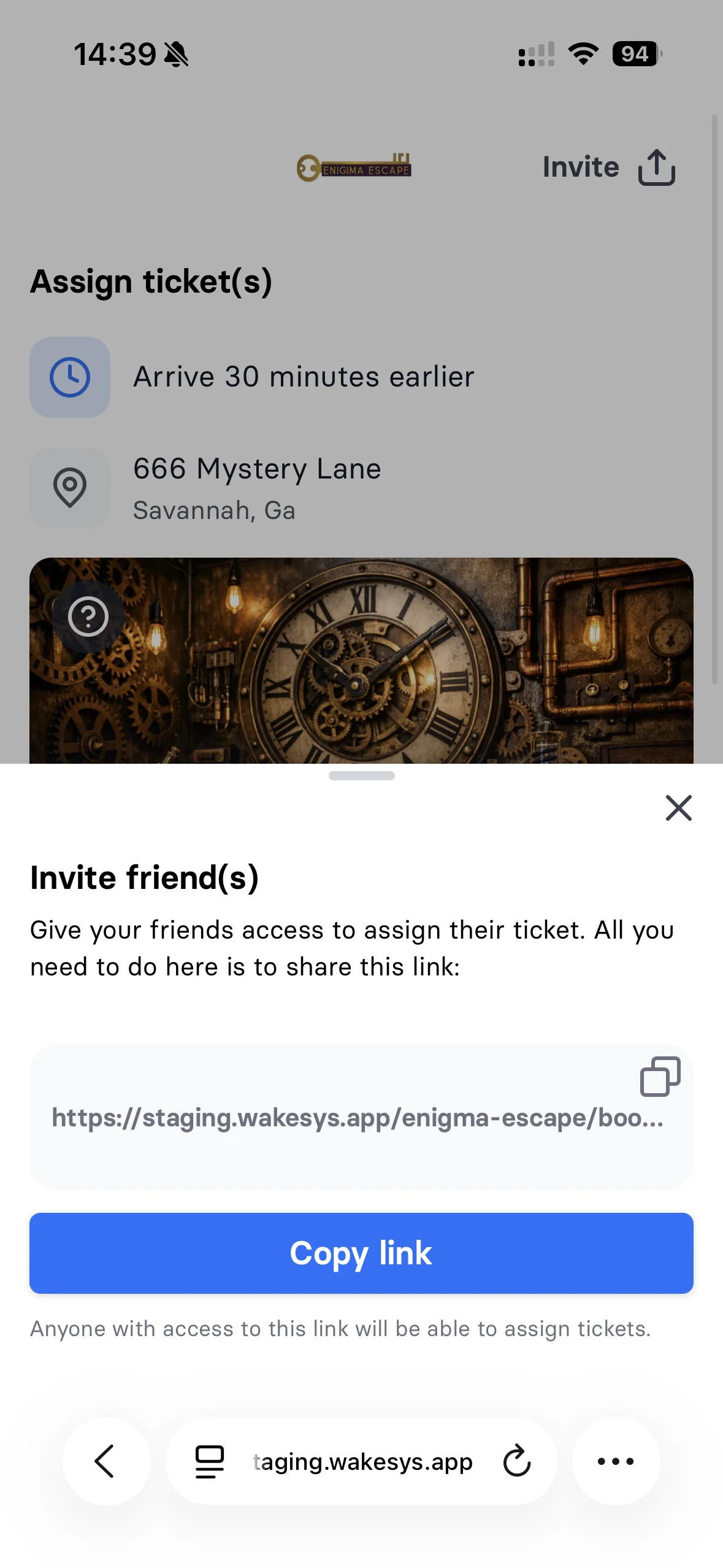
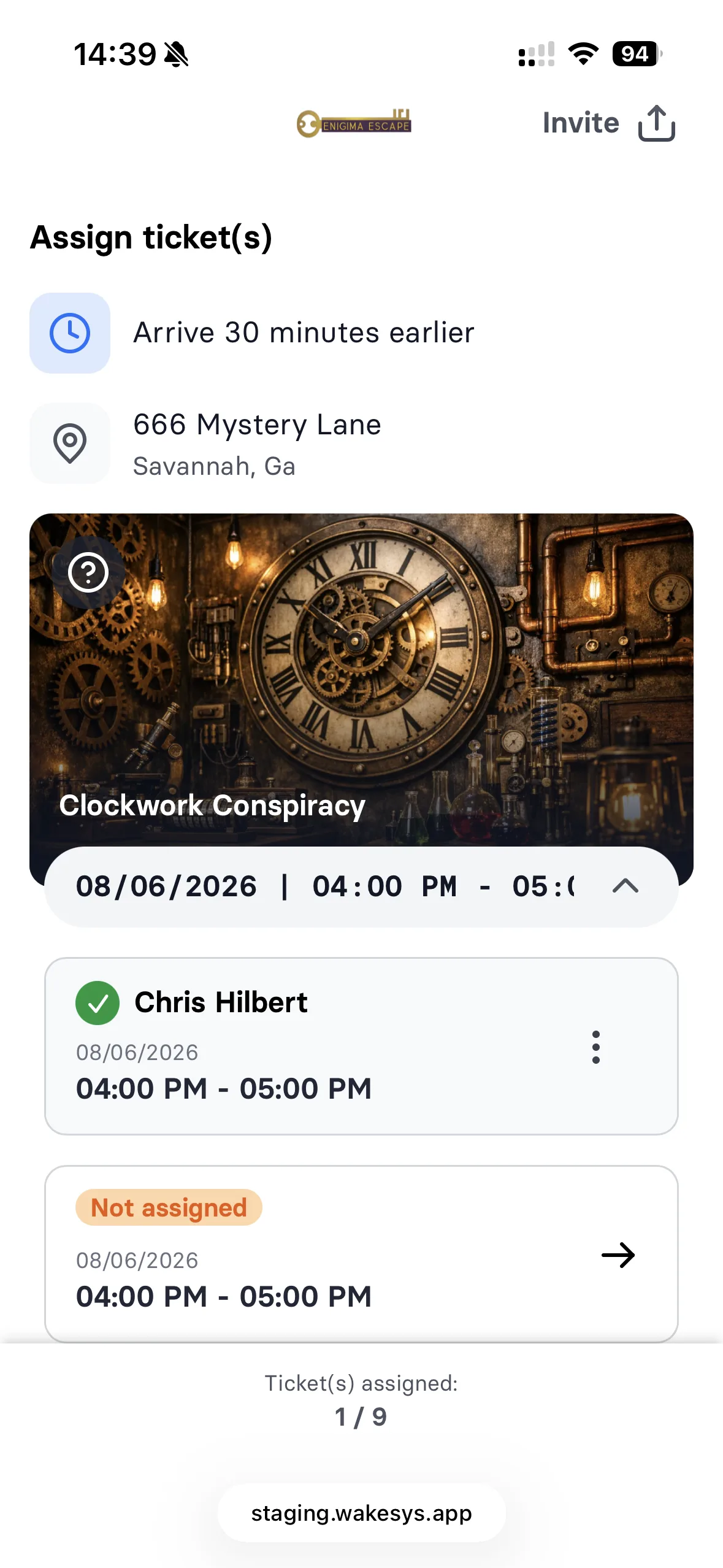
Learn more about waivers- Share the booking: Chris can share an invite link, so friends in the group assign their own tickets and sign their own waivers.
- Take your own ticket: Chris picks Myself.
- Sign the waiver: Read it, sign with a finger, done. Name and address come from AutoFill.
- Next ticket: One down, three to go.
- For his kids: Chris picks Child.
- Annick has been here before: She's already on the account from a past visit, with her waiver on file. One tap, no new waiver.
- Levi's ticket: Two down, two to go.
- For his kids: Child again.
- A new child: Levi hasn't been here yet, so Chris adds him as his own child.
- Levi's details: Name and date of birth, with Chris recorded as legal guardian.
- Sign for Levi: The same waiver, signed by Chris as Levi's legal guardian.
- The family is set up: Three tickets named, every waiver signed. The fourth waits for whoever Chris sends the link to.
Game master dashboard
Your daily schedule at a glance
Every room, every time slot, every booking, with each player's waiver status. Open a booking to see who has signed and who still has a ticket to claim, then check the group in with one tap. Built for tight schedules.
Learn more about check-in- Today's bookings: Every booking for the day, grouped by time slot.
- The family has signed: Each family member's signature is right there. Select all, tap Check In.
- Checked in: The whole family is in with one tap. No clipboard, no queue.
Team building
Corporate groups that organize themselves
HR books 3 rooms for 24 people. Gets one link. Shares it company-wide. Each employee picks their room, signs their waiver, and confirms. Your dashboard shows exactly who's in which room and who still needs to sign. Zero emails. Zero spreadsheets.
Learn more about groups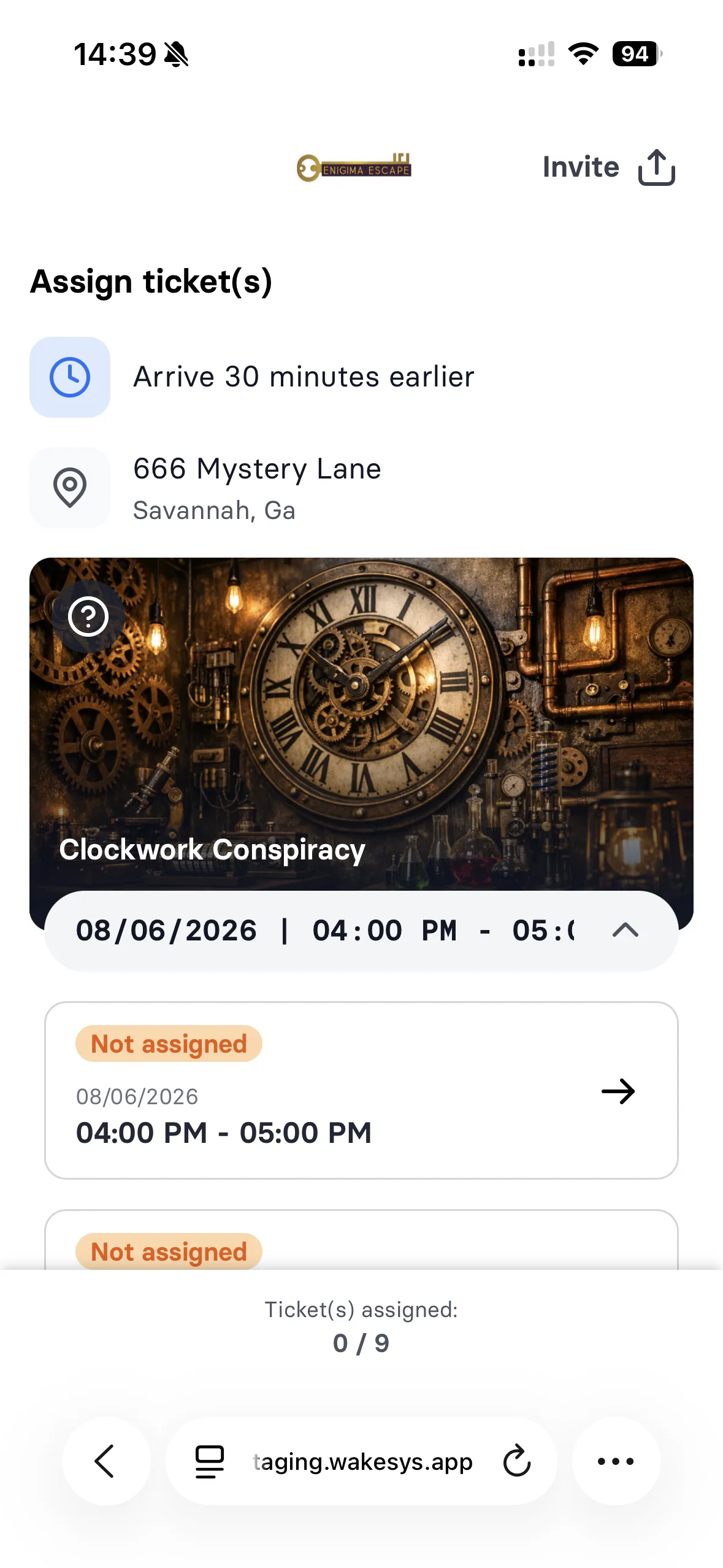
Walk-in sales
Fill empty rooms from the front desk
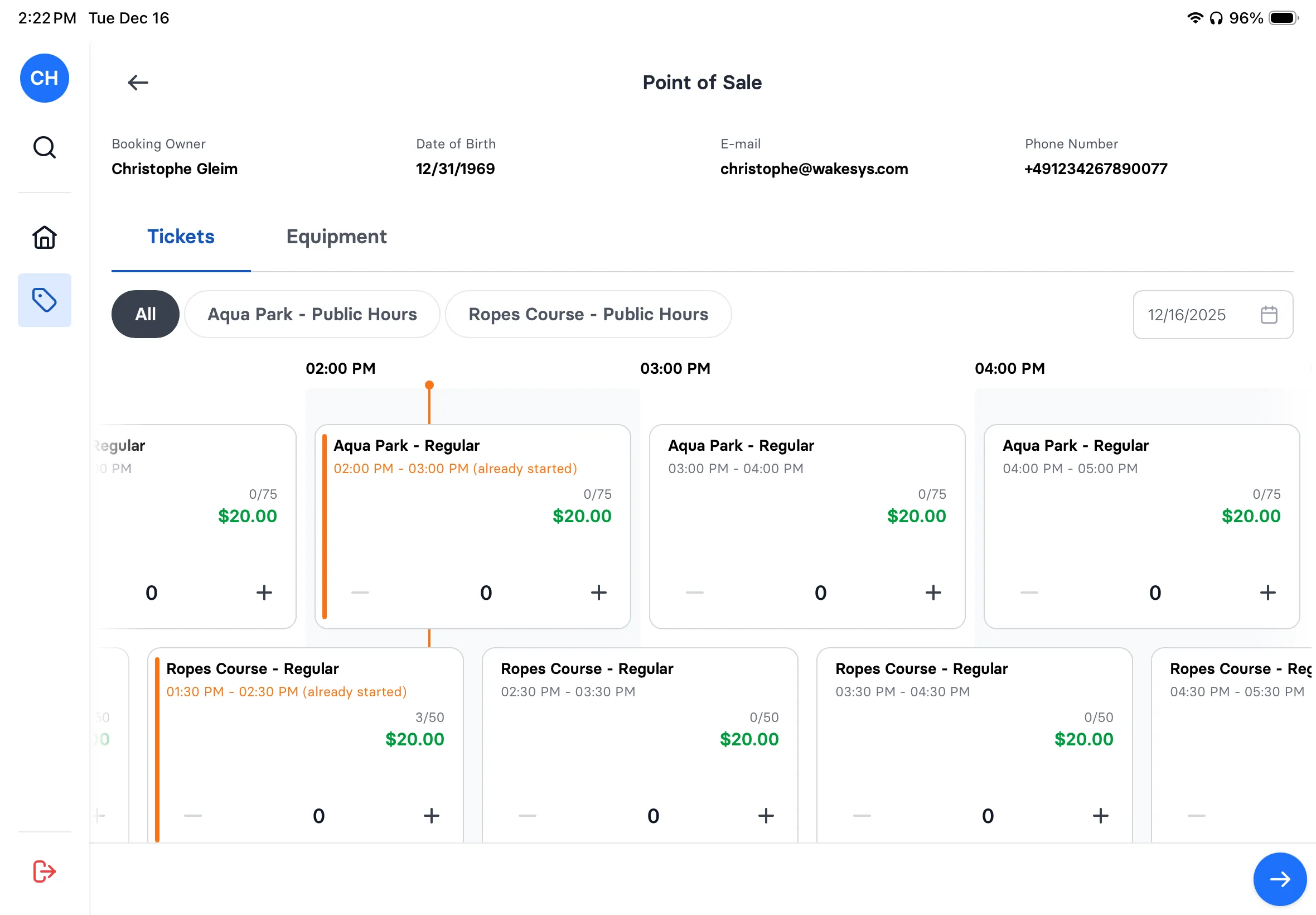
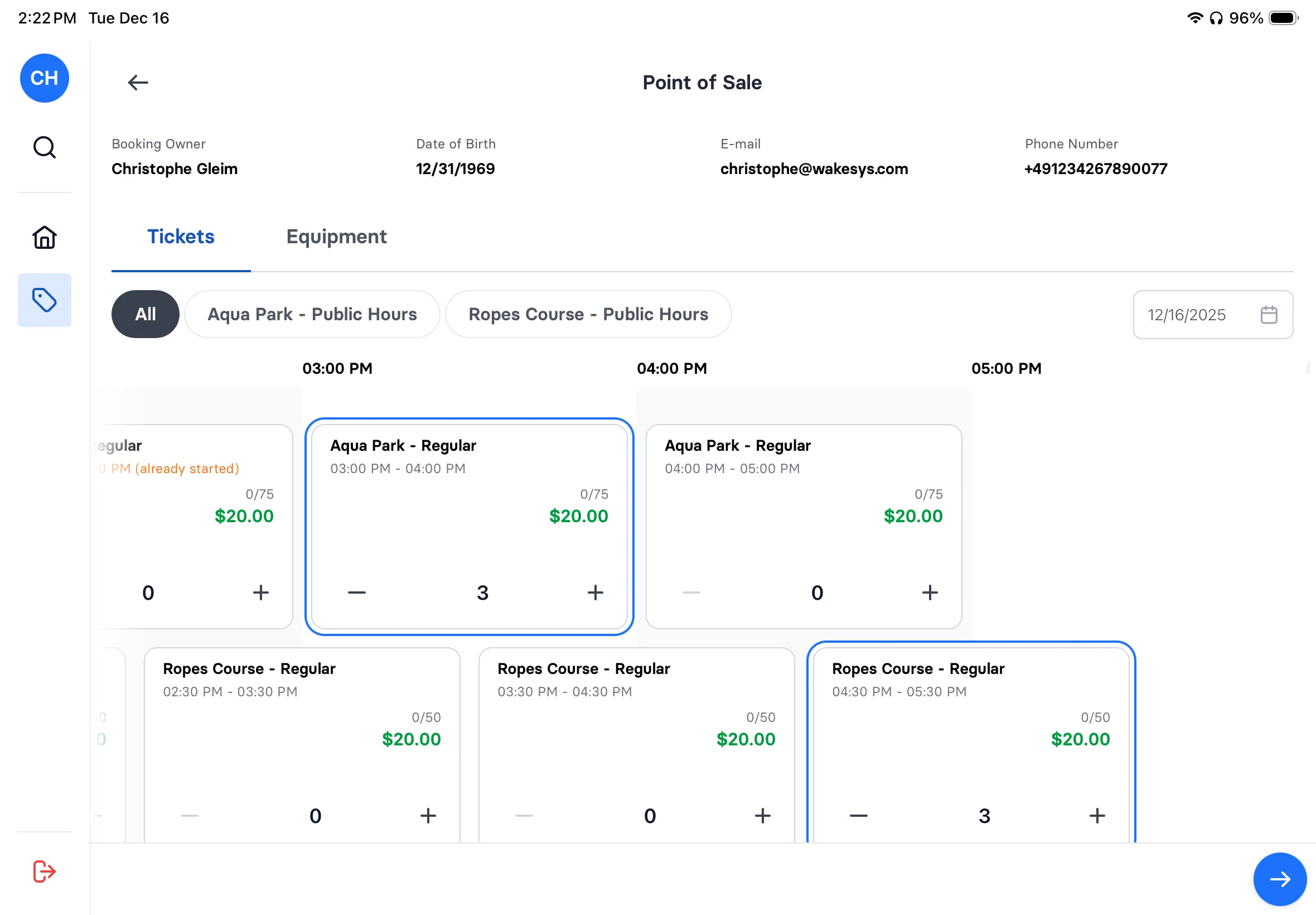
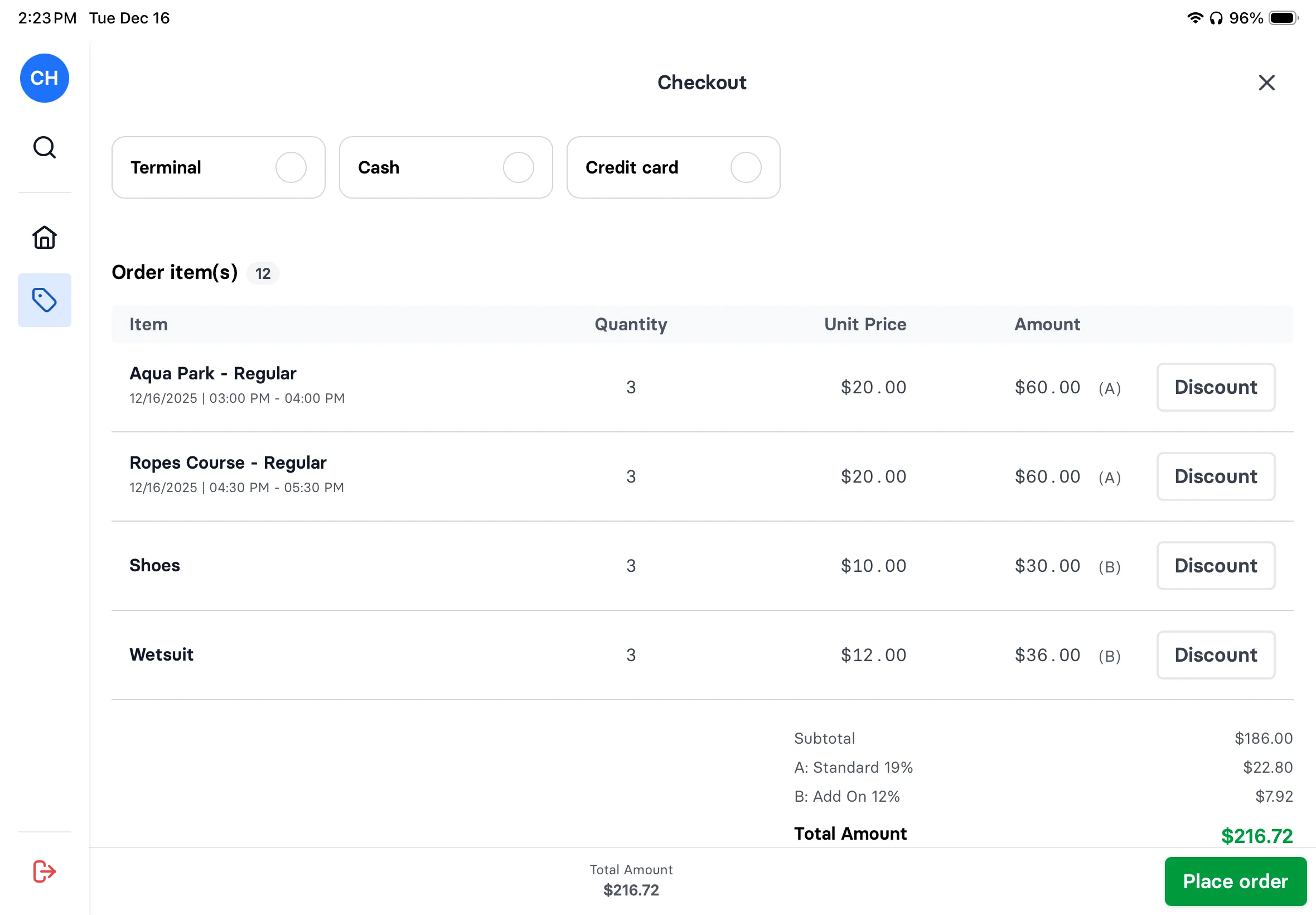
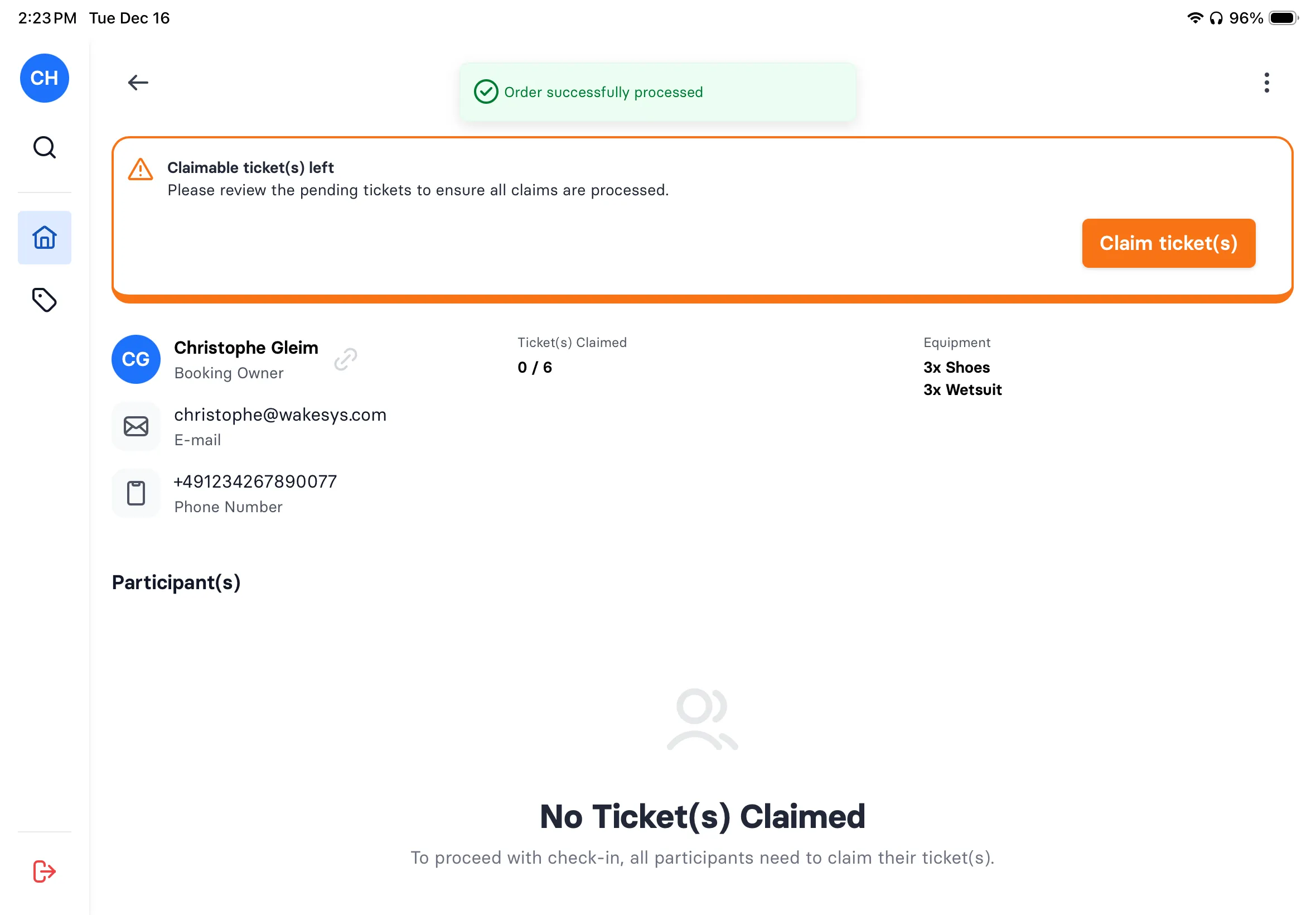
Last-minute couple wants to play? Check availability on the iPad, book them into the next open room, collect waiver signatures on the spot, process payment, all in under a minute. The booking appears on the game master's manifest instantly.
Learn more about POS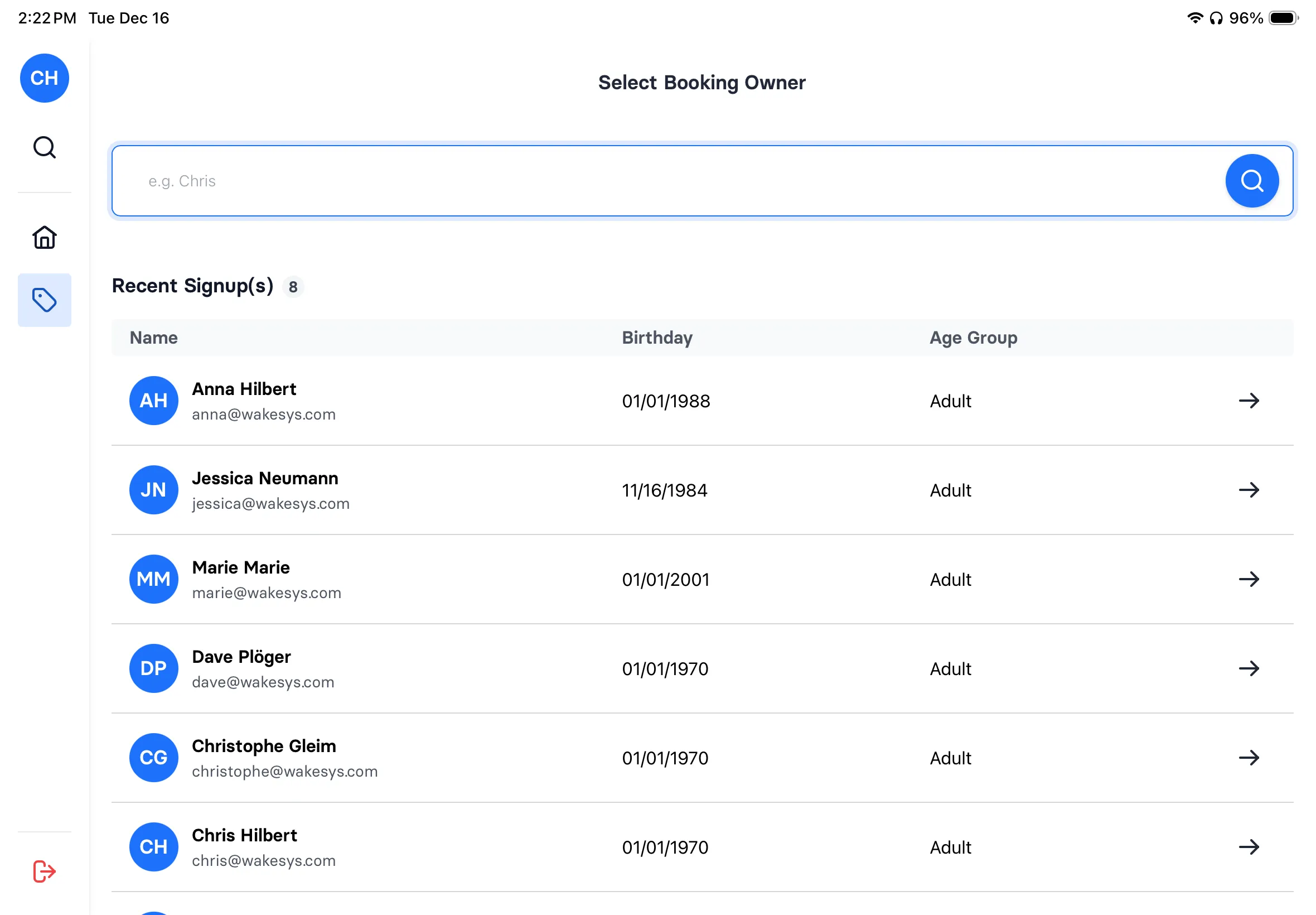
Set the rules room by room
Capacity, minimum party size, and exclusivity belong to the room, not the venue. These three all run private with a four-player minimum. You could leave one open to the public and give it a different floor without touching the other two.
 Private only
The Pharaoh's Tomb
$32- Capacity
- 8
- Minimum
- 4
- Session
- 60 min
- Reset
- 30 min
 Private only
Clockwork Conspiracy
$32- Capacity
- 8
- Minimum
- 4
- Session
- 60 min
- Reset
- 30 min
 Private only
The Asylum
$38- Capacity
- 8
- Minimum
- 4
- Session
- 60 min
- Reset
- 30 min
Example setup, from our escape room demo park. See it live
What one booking does to the rest of the night
Friday, The Asylum. A group of four takes 19:00. Four seats are still free, but the slot closes to everyone else immediately. Only that group can add more players, up to eight.
Pricing rules that fill your quiet nights
Weeknight rate
Monday to Thursday priced below the weekend. Same room, same hour, a reason to come on a dead night.
Book early, pay less
A lower rate for booking two weeks ahead, so your calendar fills up early instead of on the day.
Take the whole room
All eight seats in one booking and every ticket drops, not just the last few. It stacks with the weeknight rate.
Came from another room
Price the second room by which one they played first, so a good first game turns into a second booking.
Frequently asked questions
From room scheduling to corporate team building: everything you need to run tight schedules.
The best escape room software handles room-based scheduling with buffer times, enforces min/max player limits, and collects waivers before arrival. wakesys does all of this plus group claim links, so corporate groups of 20 can self-organize without you chasing individual signups.
One person books and receives a shareable link. They send it to their group. Each member opens the link, claims their spot, and signs their waiver, all from their phone. You see real-time status: 6 of 8 confirmed, 2 waivers pending. No spreadsheet tracking.
Yes. A company books 3 rooms for 24 people. HR gets one link to share with all employees. Each person claims their spot and signs their waiver independently. You see a dashboard showing which rooms are full, who's signed, and who hasn't, without 15 back-and-forth emails.
Each session has its own start and end time, so you leave the reset time in the schedule itself: a 60-minute room can start every 90 minutes, and guests only ever see the sessions you set.
Most escape rooms require liability waivers. With wakesys, every participant signs digitally before arriving, either during booking or via the group claim link. When all 8 players walk in, your game master checks the manifest (all green) and goes straight into the briefing.
Yes. Set a minimum party size per room. A room with a minimum of 4 will not accept a booking for 3, online or at the desk. Capacity sets the ceiling, the minimum sets the floor, and both are enforced at checkout rather than left to staff to catch.
Yes. Each room has its own name, description, photo, capacity, minimum group, pricing and schedule. Guests browse the rooms, check availability and book, all in one flow.
Couple walks in and asks what's available. Your staff checks the iPad. Room B has a slot in 20 minutes for 2-4 players. Tap to book, collect waiver on the spot, process payment. The room shows up on the manifest instantly. Takes 30 seconds.
Not if the room is set to exclusive. Turn it on per room and the time slot shows as booked out the moment one booking lands, no matter how many seats are technically left. The group that booked can still add players to their own booking. Leave it off and remaining seats stay on sale to anyone.
Your first 12 months on wakesys are free; after that it's 2% of what you take, dropping to 1% above $250,000 a year. Room scheduling, waivers, POS, and group booking are all included. No per-booking fee from us, no per-player charges. Compare that to FareHarbor (6% per booking) or Bookeo ($40-$120/month).
Yes. Set a weekday rate that applies Monday to Thursday and leave the weekend at full price. You can also set an early-bird rate for bookings made two weeks or more ahead. The rules combine, so a weeknight booking made well in advance can land on your lowest rate without you touching anything.
Set the threshold at the room capacity. When a booking fills all eight seats, the lower rate applies to every ticket in it, not only the last few. The count is per room and time slot, so the threshold has to sit at or below the room capacity to ever apply. It also combines with the weeknight rate, so a full room on a Tuesday is your cheapest ticket and your fullest slot.
See it working for your rooms
30-minute demo. We'll set up your rooms, show the group claim flow, and walk through the daily manifest.